
Software & productivity · 4 min read ·
Cloud backup options for Kerala SMBs (2026)
OneDrive, Google Drive, or a dedicated backup service? A plain guide to backing up your business data properly — what each option is actually for, and how to build a backup you can trust.
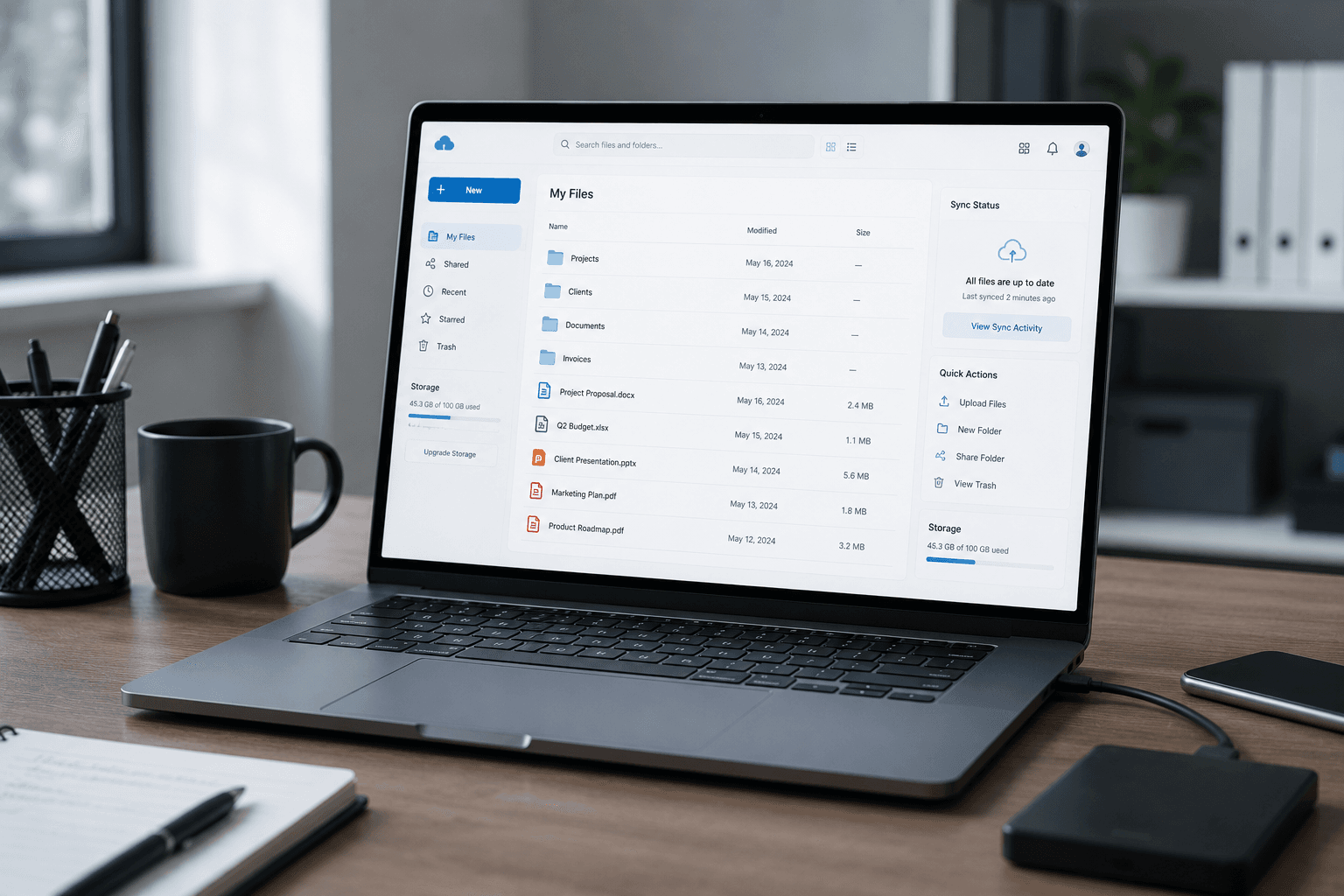
Ask a small business owner if they have a backup and most say yes. Ask when they last restored from it, and the room goes quiet. Backup is one of those things everyone assumes is handled until the day it isn't — and by then it's too late. This is a plain guide to backing up your business data properly, and to the difference between the options Kerala SMBs actually use.
Sync is not backup (this trips up almost everyone)
The most common backup mistake is assuming OneDrive or Google Drive already covers you. They're brilliant tools, but they do file sync, which is not the same as backup:
- Sync mirrors your current files to the cloud. Great for working across devices and surviving a dead laptop — but it mirrors everything, including mistakes. Delete a file, or let ransomware encrypt it, and that change syncs to the cloud too.
- Backup keeps versioned copies over time, so you can roll back to how things were before the deletion or the attack.
Sync is worth having. But if it's your only "backup," you're one bad click away from losing data everywhere at once. You need real backup as well.
The 3-2-1 rule, in plain terms
The simplest rule that actually keeps data safe:
- 3 copies of your data
- on 2 different types of media
- with 1 copy off-site
For a typical SMB that means: the live copy on your computer or server, a local backup (an external drive or a NAS in the office), and an encrypted cloud backup off-site. If a drive fails, you have the local backup. If the office floods or is burgled, you have the cloud. No single event takes out everything.
The options Kerala SMBs actually use
Microsoft 365 / OneDrive or Google Workspace / Drive. If you're already on one of these — and most SMBs should be, see our Microsoft 365 vs Google Workspace comparison — you have solid file sync and some version history built in. Treat it as one layer, not the whole plan.
A dedicated cloud backup service. Tools like Backblaze or similar do true versioned backup — automated, encrypted, off-site, with history you can roll back through. This is the layer most SMBs are missing, and it's the one that saves you from ransomware and mistakes, not just dead hardware.
A local NAS or external drive. Fast to restore from and cheap per gigabyte, this is your second media type. On its own it's not enough (a fire or theft takes it with the originals), but as part of 3-2-1 it's valuable.
Application-specific backups. Some systems need their own handling — Tally is the classic example, which we cover in detail in our Tally backup guide.
Building a backup you can actually trust
A good SMB backup setup usually combines all of the above:
- Your working files sync to Microsoft 365 or Google Workspace.
- A dedicated backup service keeps versioned, encrypted, off-site copies.
- A local backup gives you fast restores for everyday mistakes.
- Critical apps like Tally get their own scheduled backups.
- Everything is automated, so it never depends on someone remembering.
- Restores are tested, so you know it works before you need it.
That last point is the one everyone skips and the one that matters most. An untested backup is a guess.
Where this fits
Setting this up properly is part of what we do under software services and an IT AMC — configuring the backups, automating them, and, for AMC clients, verifying them regularly so you're never relying on a backup nobody has checked.
The bottom line
Sync protects you from a dead laptop. Real backup — versioned, off-site, tested — protects you from mistakes, ransomware, and disasters. Most SMBs have the first and assume it's the second. Close that gap before you find out the hard way.
Want your backups set up properly? WhatsApp us what data matters most and we'll design a backup you can actually trust.
Frequently asked
Common questions on this topic.
Keep reading
More from the ITSolute blog.

Tally backup setup: a complete guide for Indian businesses
Tally data loss happens. Recovery doesn't. Set up automated backup correctly the first time — here's the complete walkthrough for Tally Prime.
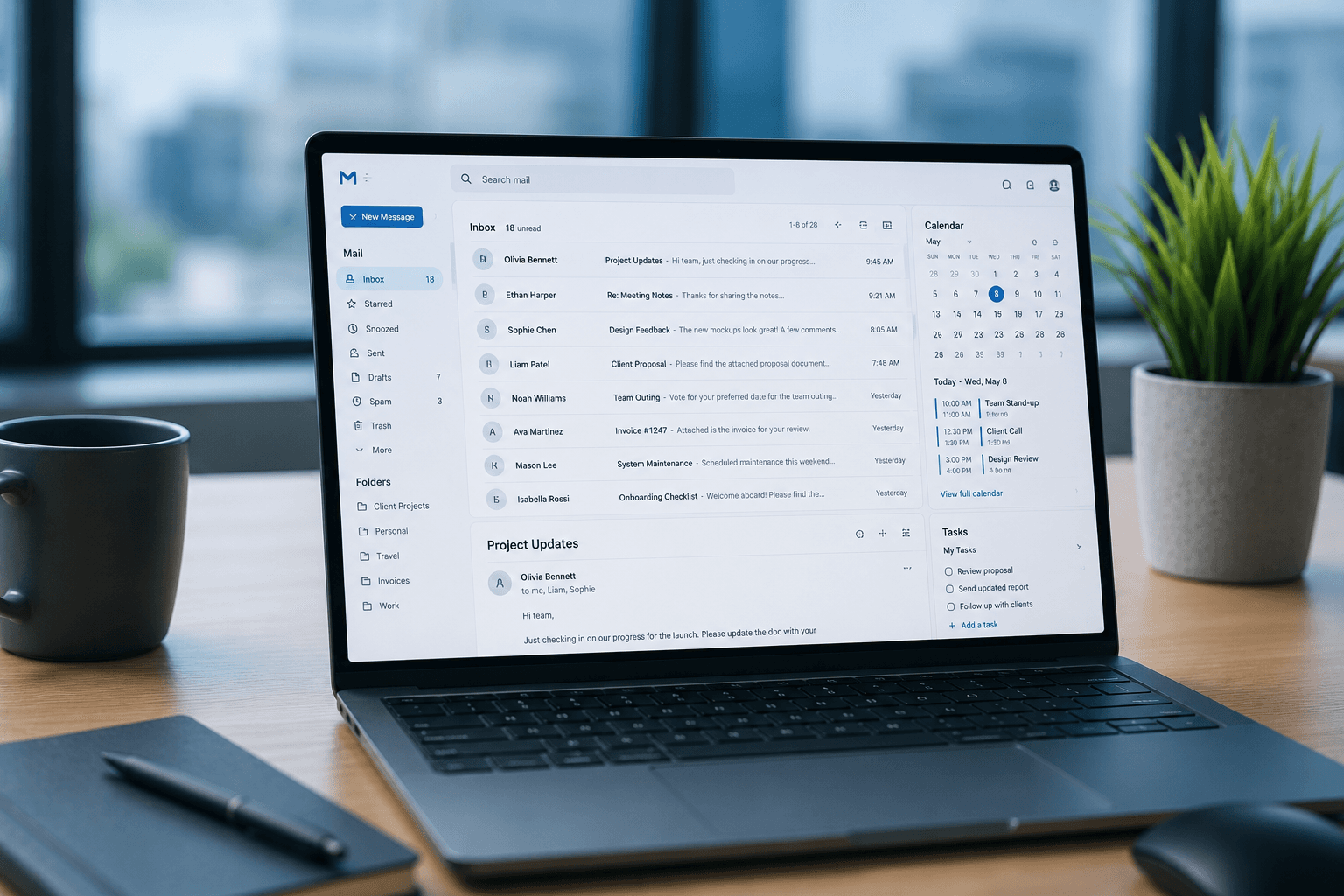
Microsoft 365 vs Google Workspace for Indian SMBs (2026 comparison)
Two giants, both reliable, both used by millions of small businesses. The real differences matter only at the edges — here they are, honestly.
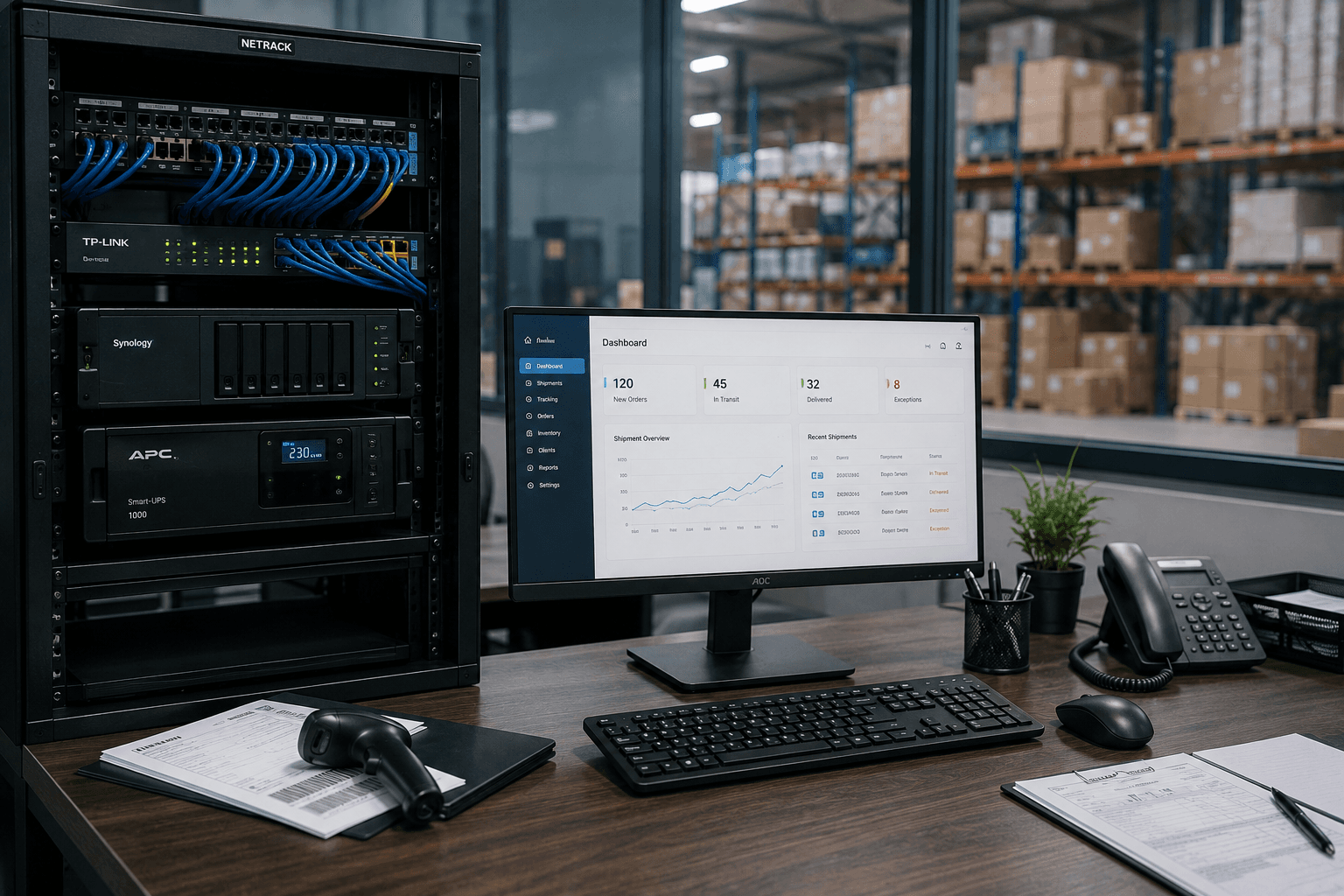
IT setup checklist for logistics companies in Kerala
Running a logistics or transport operation? Branch connectivity, dispatch systems, always-on networks, and integrations — the complete IT checklist for Kerala logistics firms.