
Software & productivity · 5 min read ·
Microsoft 365 vs Google Workspace for Indian SMBs (2026 comparison)
Two giants, both reliable, both used by millions of small businesses. The real differences matter only at the edges — here they are, honestly.
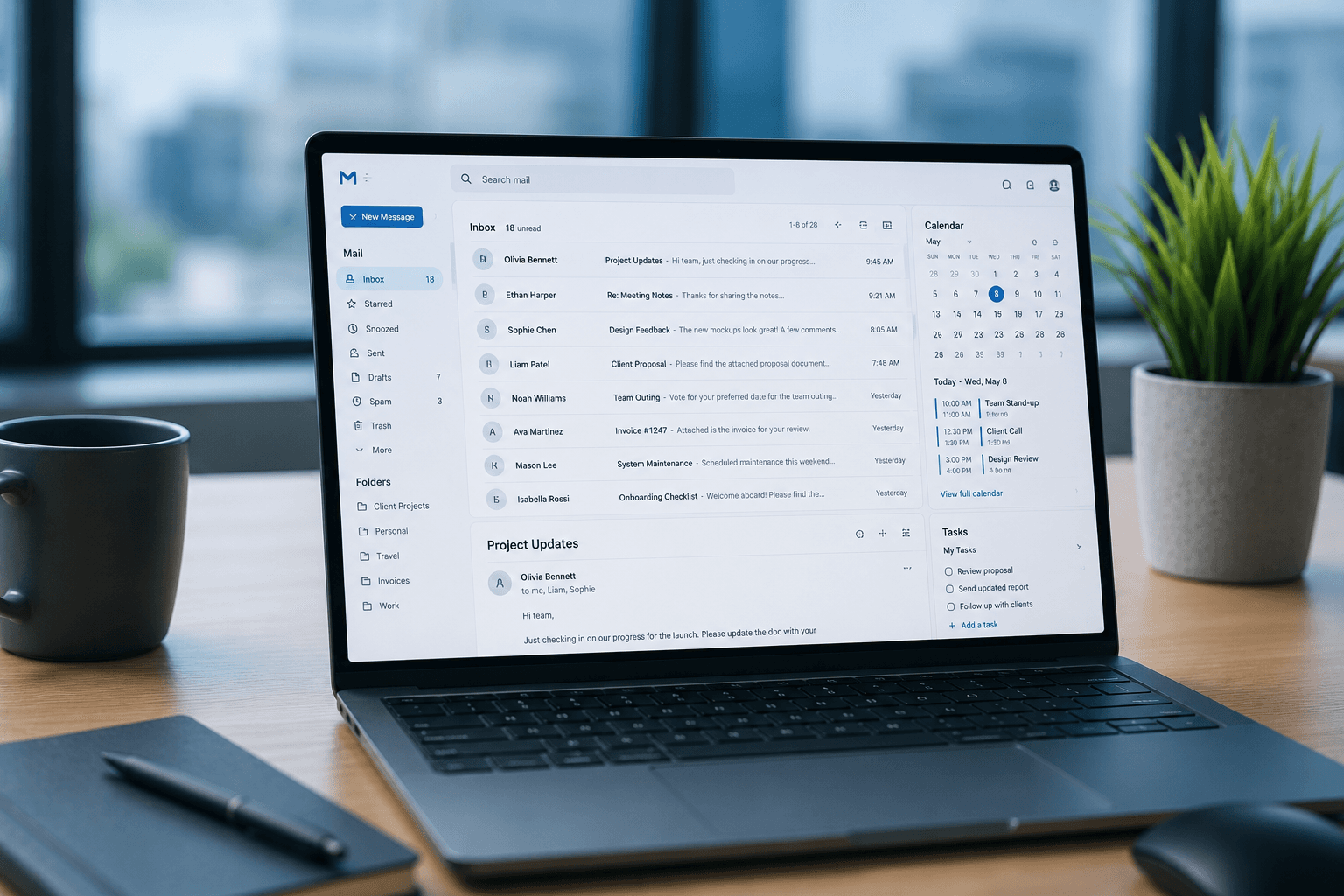
If your team uses email and shares files, you're choosing between Microsoft 365 and Google Workspace. Almost every Indian SMB ends up on one of these two — they're reliable, affordable, and good enough that the differences are smaller than the marketing suggests.
We deploy both for Kerala clients. Here's the honest comparison.
The headline question — which is cheaper
In India, both services are aggressively priced for SMBs:
| Plan | Microsoft 365 | Google Workspace |
|---|---|---|
| Entry tier | Business Basic ₹190/user/month | Business Starter ₹136/user/month |
| Mid tier | Business Standard ₹720/user/month | Business Standard ₹736/user/month |
| Premium tier | Business Premium ₹1,540/user/month | Business Plus ₹2,200/user/month |
Prices change. Check current pricing on official India pages before deciding.
At entry tier, Google Workspace is cheaper. At mid tier, they're effectively tied. At premium tier, Microsoft 365 has more features for the price.
For a 10-person office, you're looking at ₹15,000-1,20,000 per year. Not nothing, but also not the deciding factor. The deciding factor is fit.
Email reliability
Both are excellent. Both have over 99.9% uptime. Both deliver reliably across India and internationally.
Where they differ:
- Microsoft Outlook is the desktop email king. If your team is older or used to Outlook from previous jobs, they'll love it.
- Gmail is the cleaner web experience. If your team is younger or already uses Gmail personally, the transition is zero.
Edge case: if you communicate heavily with government offices, banks, or large legacy enterprises in India, Outlook compatibility matters more (calendar invites, meeting requests, formatted attachments).
File storage and sharing
Microsoft 365 includes OneDrive. Google Workspace includes Google Drive. Both give 30 GB per user at entry tier, 1-2 TB at mid tier.
Where they differ:
- Google Drive integrates seamlessly with Google Docs, Sheets, Slides — collaborative editing is best-in-class
- OneDrive integrates seamlessly with Word, Excel, PowerPoint desktop — best for offices producing polished Microsoft-format outputs
For internal collaboration, Google wins. For polished external deliverables, Microsoft wins.
Document apps
The real difference shows here.
Microsoft Word, Excel, PowerPoint — desktop apps with deep functionality. Excel alone is unmatched — every financial model, every macro, every consultant deliverable in the world. Word is the standard for formal documents. PowerPoint is the standard for presentations.
Google Docs, Sheets, Slides — web-first, designed for collaboration. Real-time multi-cursor editing. Comments, suggestions, version history work seamlessly. Less powerful for advanced features, far better for collaborative work.
Rule of thumb: if your team creates documents to share externally — lean Microsoft. If your team works on documents together internally — lean Google.
For most Kerala SMBs — CA firms, real estate, clinics, consulting — Microsoft has a slight edge because deliverables go to clients in Microsoft formats.
Meeting and calling
Microsoft Teams vs Google Meet — both work fine. Teams has more features (channels, integrations, persistent chat). Meet is simpler and easier for non-technical users.
For external meetings with people outside your organisation, Google Meet is more universally accepted. For internal team collaboration with channels, Teams is more capable.
Compliance and security
Both offer enterprise-grade security: 2FA, mobile device management, data loss prevention (mid/premium tiers), audit logs, compliance certifications, India data residency.
For most Kerala SMBs, entry or mid tier of either covers security adequately. If you handle regulated data (clinics with patient records, financial services), step up to premium and turn on security features properly.
What to choose based on your situation
Choose Microsoft 365 if:
- Your team uses Excel heavily (CA, finance, real estate)
- You create polished Word and PowerPoint deliverables for clients
- Your industry is dominated by Microsoft (legal, government-adjacent, corporate)
- Your team is older and accustomed to Outlook
- You need Office desktop apps installed locally
Choose Google Workspace if:
- Your team is younger and already Gmail-native
- You collaborate on internal documents heavily
- You want lower entry-tier cost
- You're a tech-leaning business
- Most of your work happens in browsers
- You want easier setup for non-technical users
For most Kerala SMBs — clinics, CA practices, real estate, retail, services — Microsoft 365 Business Standard at ₹720/user/month is the right default. Includes Word, Excel, PowerPoint desktop apps, business email at your domain, OneDrive, Teams.
For startups, tech-leaning businesses, and offices with younger teams — Google Workspace Business Standard at ₹736/user/month is equivalent and often a better cultural fit.
What about Zoho Workplace?
A genuine third option. Zoho Workplace (₹125-285/user/month in India) is significantly cheaper.
For startups, very small businesses, or Indian-first operations, Zoho is worth a look. Email, storage, and document apps are mature. Trade-off: most external partners assume Office or Google files, and Zoho's compatibility, while good, isn't 100%.
We're a Zoho partner. If your business is Zoho-heavy already (Books, CRM), Zoho Workplace is the obvious choice. For everyone else, stick with Microsoft or Google.
How we approach this for Kerala clients
The conversation runs:
- Who's on the team? Sizes, roles, technical comfort.
- What do you create? Internal collaboration or external polished deliverables?
- What do your clients use? If they send you Word files, you need to send Word files back.
- What's the budget per user per month?
- What's your growth plan?
From answers, the right choice is usually clear in 15 minutes. Then we handle domain email configuration, migration from old email, account setup, training session, mobile device configuration, backup and security setup.
Setup runs ₹500-1,500 per user as a one-time fee. Ongoing licence fees go directly to Microsoft or Google.
If you're choosing and want unbiased input — WhatsApp us your situation and we'll give you a straight answer in under five minutes. We also handle full setup and migration — more on our software services.
Frequently asked
Common questions on this topic.
Keep reading
More from the ITSolute blog.
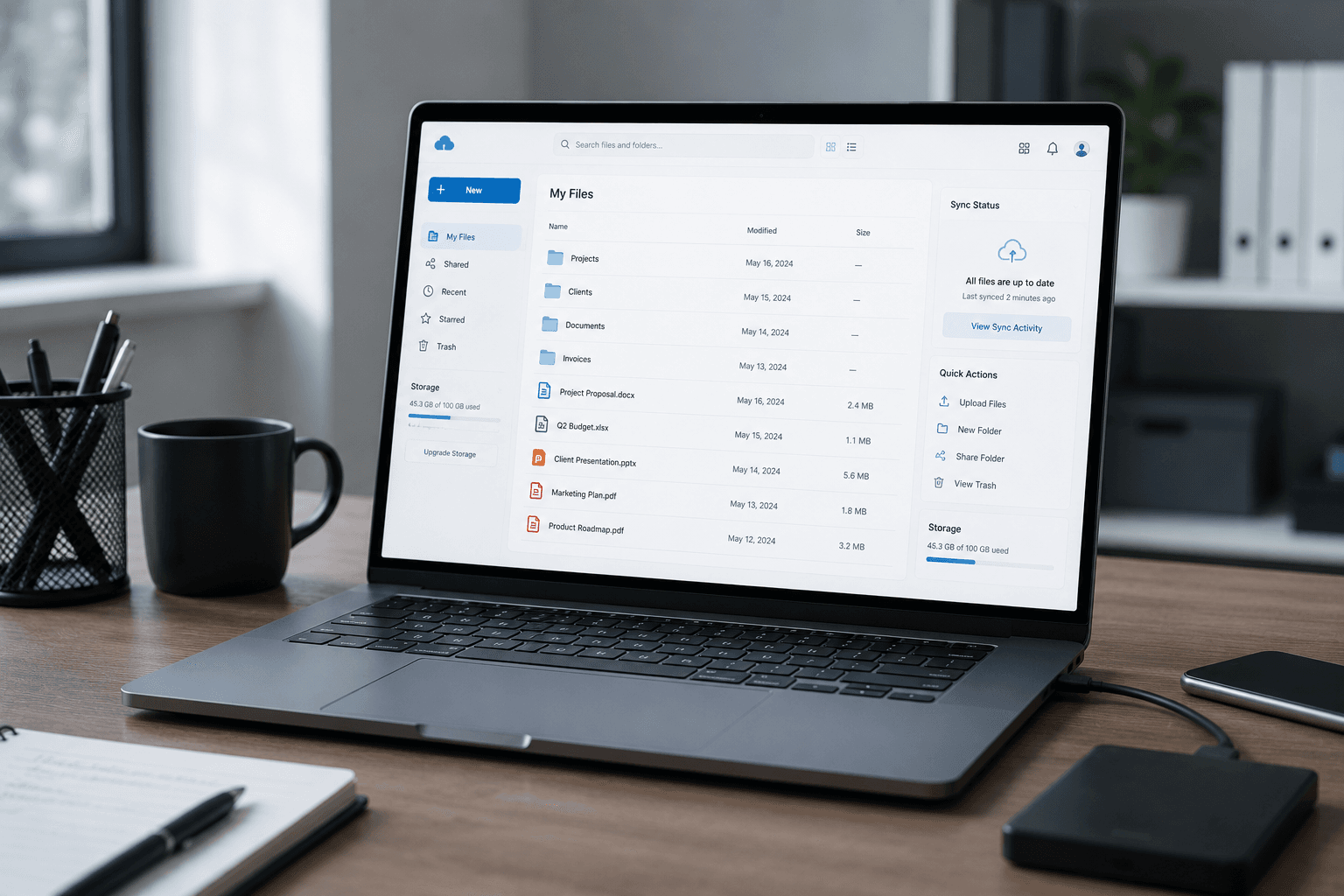
Cloud backup options for Kerala SMBs (2026)
OneDrive, Google Drive, or a dedicated backup service? A plain guide to backing up your business data properly — what each option is actually for, and how to build a backup you can trust.

Tally backup setup: a complete guide for Indian businesses
Tally data loss happens. Recovery doesn't. Set up automated backup correctly the first time — here's the complete walkthrough for Tally Prime.

IT setup checklist for logistics companies in Kerala
Running a logistics or transport operation? Branch connectivity, dispatch systems, always-on networks, and integrations — the complete IT checklist for Kerala logistics firms.