
Industry guides · 3 min read ·
IT setup checklist for retail shops & restaurants in Kerala
Opening a shop or restaurant? POS and billing, reliable networks, CCTV, and multi-branch reporting — the complete IT checklist built for Kerala retail and food businesses.
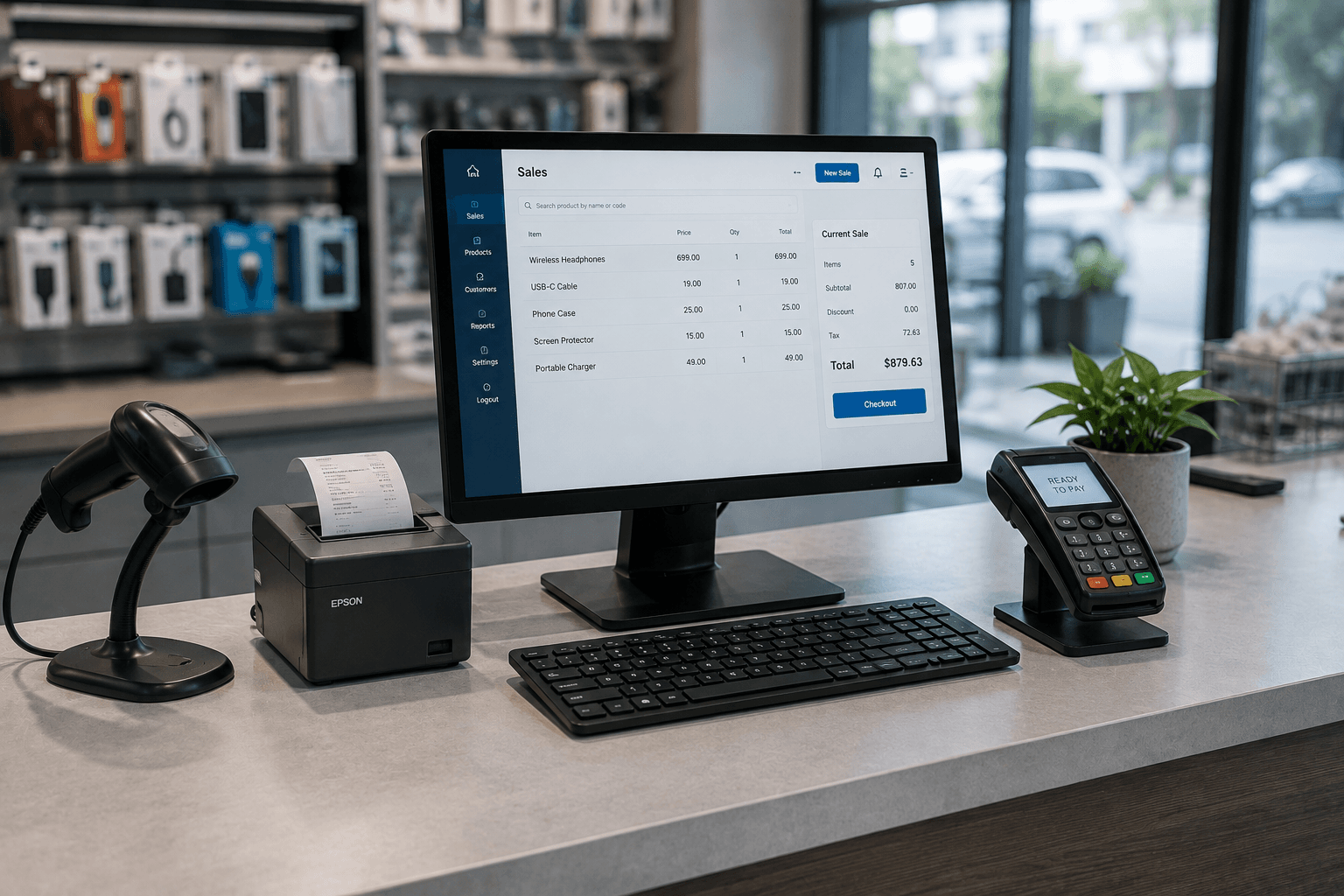
Retail and restaurants live and die by the counter. Billing has to be fast, the network can't drop, cameras have to record, and the owner needs to see every outlet. Get the IT right and the busy hours run smoothly; get it wrong and a frozen counter at peak time costs you customers on the spot. Here's the complete checklist for setting up a shop or restaurant in Kerala.
Step 1 — POS and billing hardware
The counter is where everything happens, so the hardware has to be reliable and fast:
- A billing PC or POS terminal built for continuous use — not a cheap machine that slows down by evening.
- A receipt/thermal printer, and a barcode scanner for retail.
- A UPS so a power cut doesn't kill a transaction mid-bill.
We supply counter hardware sized for continuous, fast billing, with GST invoicing.
Step 2 — Billing and inventory software
Retail and food businesses need different software. A shop needs inventory, barcodes, and stock tracking; a restaurant needs table management, kitchen order tickets, and menu handling. Both need GST-compliant invoicing. We set up billing and inventory software suited to your business as part of our software services — configured so the counter is fast and the books are clean.
Step 3 — A network that doesn't drop at peak hour
Card machines, billing software talking to a server, online orders, staff devices — all depend on a stable network. A ₹1,500 home router in a busy restaurant is a peak-hour failure waiting to happen. A properly sized network keeps the counter moving. See our networking page.
Step 4 — CCTV
For retail and food businesses, cameras aren't optional — the counter, entrances, stockroom, and kitchen all need coverage, both for security and to settle disputes. The key is CCTV that actually records: installed on its own dedicated network so it doesn't interfere with billing, with reliable storage. See our CCTV installation page for typical setups and costs.
Step 5 — Multi-branch reporting
If you run more than one outlet, you need to see them all without calling each shop. Multi-branch reporting pulls sales and stock from every location into a single view, delivered automatically — the difference between running your outlets blind and running them with real numbers. We build this as part of our automation work.
Step 6 — Backups and ongoing support
Your sales history, inventory, and accounts should be backed up automatically — losing them means rebuilding from paper. And because your busiest hours are exactly when you can't afford downtime, an AMC with priority response keeps the counter running when it matters most.
Rough budget for a Kerala shop or restaurant
| Item | Typical range |
|---|---|
| POS / billing hardware (single counter) | ₹40,000–1,20,000 |
| Billing & inventory software setup | ₹15,000–60,000 |
| Network + WiFi | ₹20,000–80,000 |
| CCTV (4–8 cameras) | ₹14,000–50,000 |
| AMC (annual) | ₹30,000–1,20,000/year |
Indicative figures — final numbers depend on outlet size, counters, and outlets. We quote fixed prices after understanding your business.
The pattern
Every step protects the same thing: a counter that keeps moving through the busiest hours, cameras that record, and an owner who can see every outlet at a glance. That's what keeps a retail or food business running instead of firefighting.
See how we support IT for retail and restaurants, or WhatsApp us your setup and we'll put together a plan.
Frequently asked
Common questions on this topic.
Keep reading
More from the ITSolute blog.
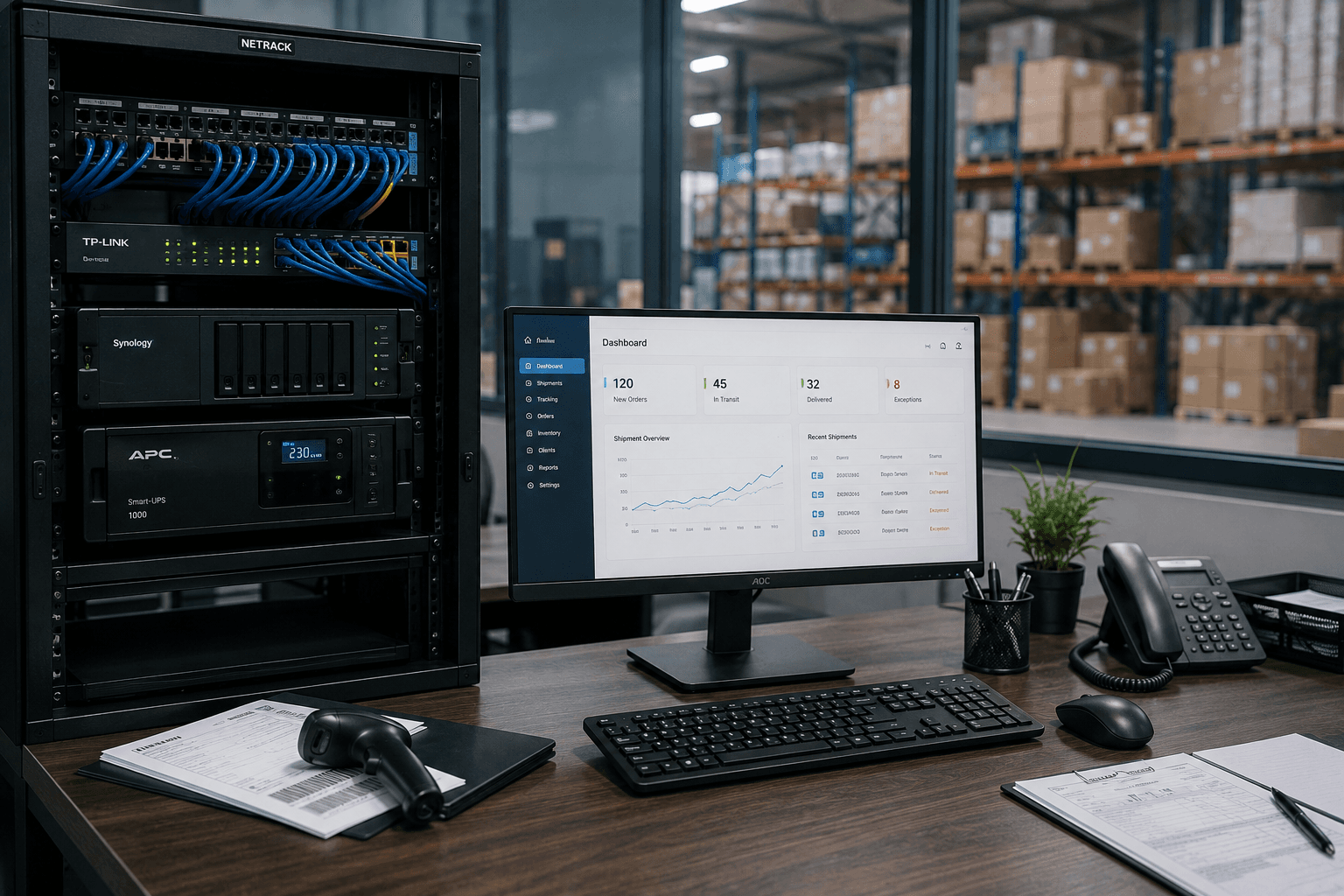
IT setup checklist for logistics companies in Kerala
Running a logistics or transport operation? Branch connectivity, dispatch systems, always-on networks, and integrations — the complete IT checklist for Kerala logistics firms.
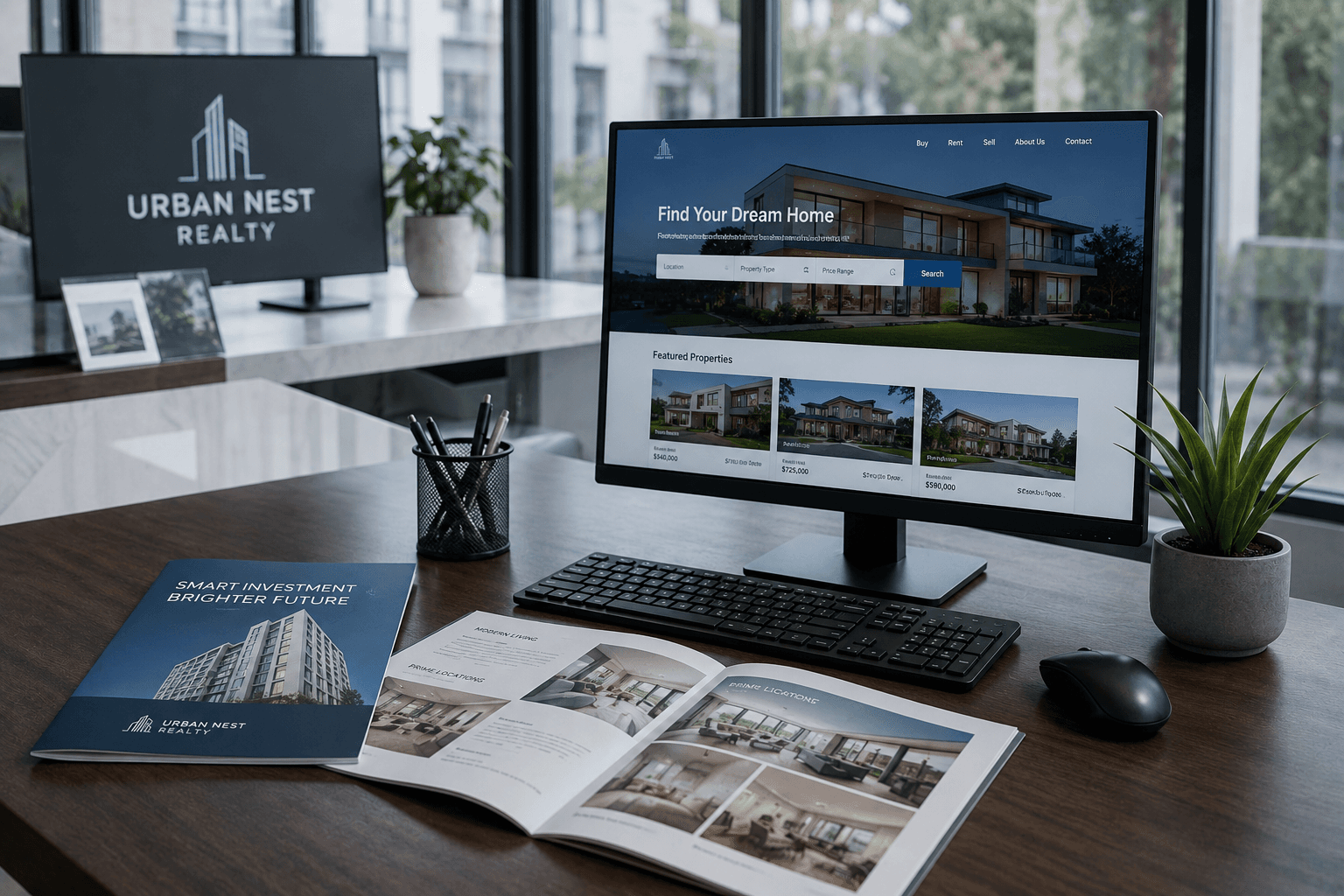
IT setup checklist for real estate offices in Kerala
Opening or scaling a real estate office? Branch hardware, a CRM that fits how you sell, WhatsApp lead capture, and multi-branch systems — the complete IT checklist for Kerala real estate firms.
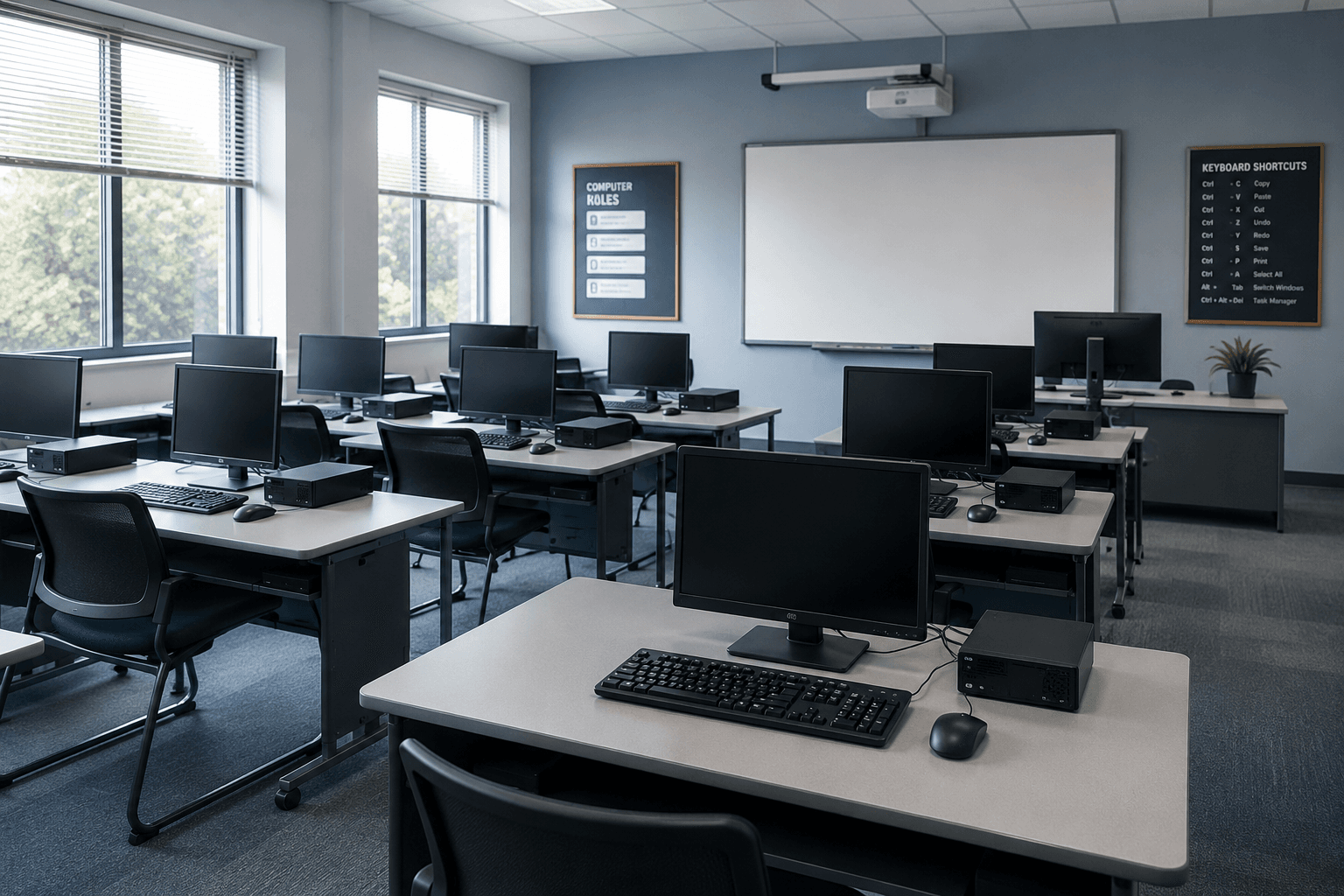
IT setup checklist for schools & colleges in Kerala
Setting up or upgrading a school's IT? Computer labs, staff systems, safe campus WiFi, and budgets — the complete checklist for Kerala schools and colleges.