
Industry guides · 8 min read ·
CA office computer setup: the only guide you need (2026)
Setting up or upgrading a CA office? Tally, GST tools, DSC tokens, document scanning, secure storage — the complete IT blueprint for Kerala CA practices.
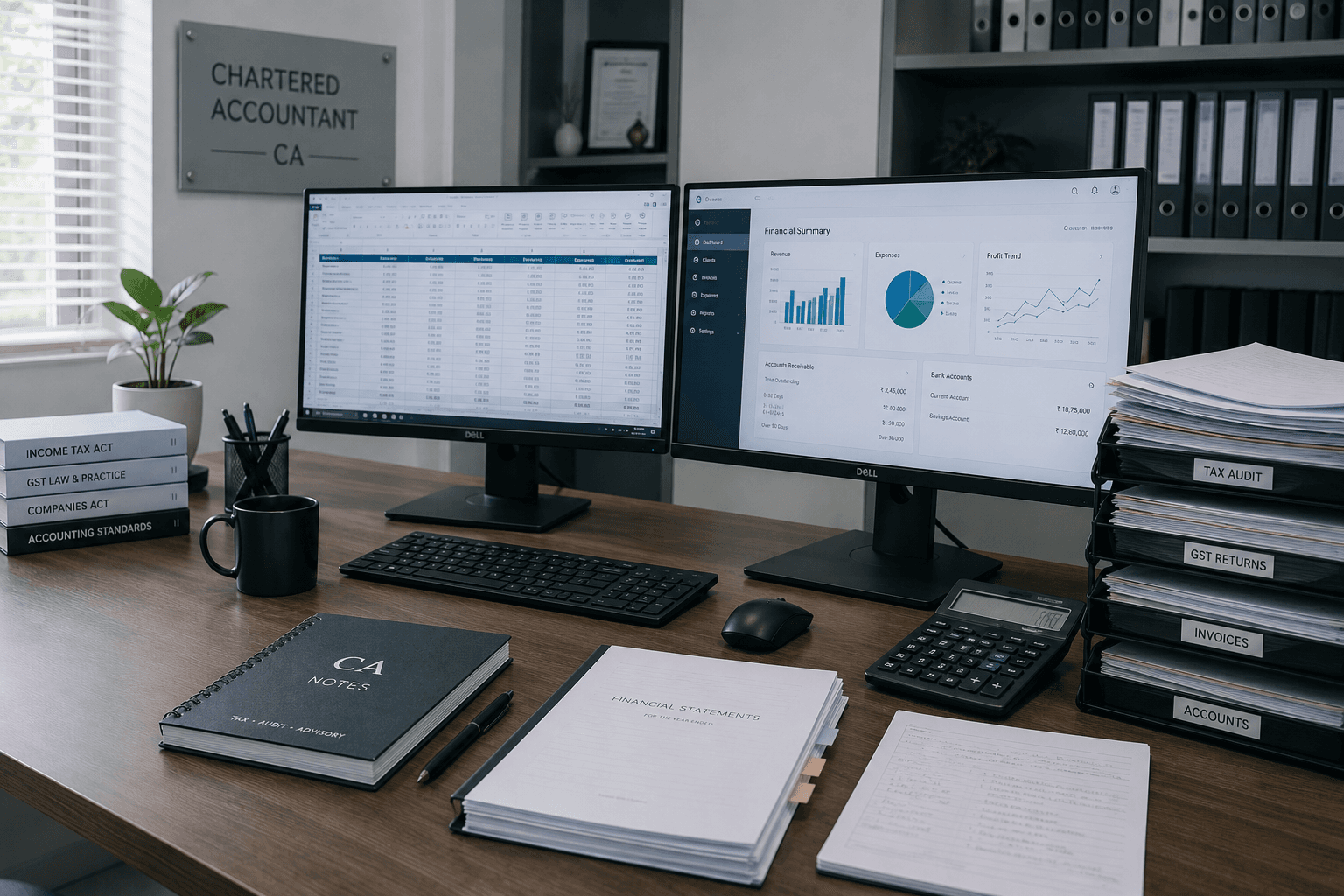
A CA practice runs on three things: Tally, GST tools, and client trust. The IT setup that supports all three is more important than people realise — and almost always done wrong on the first try.
Here's the complete blueprint we use when setting up CA office IT in Kerala. Based on doing this for practices ranging from solo CAs to 15-person offices in Kottayam, Kochi, and across central Kerala.
Step 1 — Computer specs that handle Tally + GST + Excel + browser
CAs run heavier software stacks than people think. On a typical workday: Tally Prime in one window, GST portal in another, Excel for client schedules, PDF tools for scanning, browser tabs for ICAI resources, email, possibly Income Tax portal.
Minimum specs for CA office PCs (2026):
- Intel i5 (12th or 13th gen) or AMD Ryzen 5
- 16 GB RAM (non-negotiable — 8 GB will frustrate you within a month)
- 512 GB NVMe SSD (storage speed matters for Tally large datasets)
- 24" or 27" monitor (CAs benefit hugely from larger screens — more data visible at once)
- Quality keyboard with proper numpad (you'll use it constantly)
- Windows 11 Pro
- UPS — 600-800 VA, 20-minute backup minimum
Senior partner / decision-maker desks:
Upgrade to dual monitors (one for Tally, one for everything else). Dual monitor productivity gain for CAs is dramatic — 20-30% faster on most tasks. Cost is ₹15,000-25,000 per second monitor including mount.
Junior staff / data entry desks:
Standard 16 GB / 512 GB SSD setup is fine. Single monitor adequate. Budget ₹50,000-65,000 per desk.
For 5-staff CA office, total hardware budget: ₹3,00,000-4,50,000 including monitors, UPS, printers.
Step 2 — Tally setup done right
Most CA offices we visit have Tally installed sub-optimally. Common issues:
- Tally data on the same drive as Windows (slows both)
- No regular backups (just hope)
- Multiple users on shared admin account
- Outdated Tally version
The right setup:
- Tally data folder on a separate partition or drive (not C:)
- Individual Windows accounts for each user with their own Tally logins
- Daily automated backup to external drive + cloud (see our Tally backup guide)
- Tally Prime latest stable version (not Tally 9.x)
- Tally licence properly registered with Tally Solutions
For multi-user offices (5+ staff using Tally simultaneously), consider Tally Server. Single-machine Tally with multi-user access works for up to 3-4 concurrent users — beyond that, performance suffers and data conflicts increase.
Tally Server runs Tally as a service on a dedicated machine, and client computers connect via network. Cost: ₹50,000-80,000 setup, but transformative for offices over 5 simultaneous users.
Step 3 — GST and Income Tax tools
The GST portal, IT portal, and TRACES portal are browser-based. They work in Chrome, Edge, and Firefox. Some quirks:
Browser choice: Chrome works best with most portal forms. Keep a dedicated browser profile per office for filing-related work — keeps cookies and login sessions separate from personal browsing.
Java/utility tool: Several IT department utilities (Form 16, TDS return tools) require Java. Install Java Runtime, but be cautious — old Java versions are security risks. Update regularly.
PDF tools: Adobe Acrobat Standard (₹14,000/year per user) is the gold standard for CA practices — you'll merge, edit, sign, and form-fill PDFs constantly. Cheaper alternatives like Foxit PhantomPDF (₹6,000-8,000/year) work nearly as well.
Excel power tools: Excel is the CA's primary tool beyond Tally. Microsoft 365 Business Standard gives you the latest Excel with Power Query, advanced filters, and modern formulas. Free alternatives (LibreOffice, Google Sheets) work but lose key Excel features CAs use daily.
Step 4 — Document scanning and storage
Paper still rules CA work — original documents from clients, signed acknowledgments, hard copies of returns. You need to scan a lot.
Dedicated scanner: Fujitsu ScanSnap iX1600 or Canon ImageFormula DR-C225 — ₹35,000-55,000. Fast double-sided scanning with OCR. Pays for itself within 3 months if you scan more than 20 documents weekly.
For lower volume: All-in-one printer-scanner (HP, Brother, Canon) does the job at ₹20,000-35,000.
Document organisation:
- One folder per client at the top level
- Subfolders by financial year inside each client
- Naming convention:
YYYY-MM-DD_DocumentType_ClientName.pdf(sortable, searchable) - Cloud-synced folders (OneDrive or Google Drive Business) so seniors can access from anywhere
Document retention: Keep client documents for at least 7 years post-filing (Income Tax requires 8 years, GST 6 years). Cloud storage at 2 TB per CA is enough for 10+ years of typical client volume.
Step 5 — DSC tokens and digital signing
Every CA practice manages multiple DSC tokens — your own, plus authorised tokens for clients who've delegated filing.
Storage: A locked drawer at the senior CA's desk. Each token labelled with the entity name. Never leave tokens in computers when not actively filing.
USB hub: A powered USB 3.0 hub with 4-7 ports lets you plug in multiple tokens when needed. ₹2,000-3,500. Critical during GST/IT filing season.
Backup tokens: For frequently-filed clients (your own practice, top 5 clients), keep duplicate DSC tokens in a separate secure location. If a token fails during filing season, you have hours not days of downtime.
Software: ePass2003, ProxKey, or eMudhra utilities — install all relevant ones. The drivers can conflict — install one at a time and test before adding the next.
Step 6 — Email and client communication
CAs handle sensitive client data over email constantly. Two non-negotiables:
Domain email: firstname@yourfirm.com — not Gmail or Yahoo. Costs ₹190-720/user/month via Microsoft 365 or Google Workspace. Builds credibility, improves deliverability, enables proper archiving.
Encrypted document delivery: Don't email PDFs of GST returns or tax reports as raw attachments. Use:
- Password-protected ZIP files (share password via separate channel — call or WhatsApp)
- Microsoft 365 message encryption (built-in)
- Secure links via OneDrive or Google Drive with expiry
For high-net-worth clients, dedicated secure portals (like CAroots or VeriFile) are worth considering — ₹5,000-15,000/month.
Step 7 — Network and security
CA offices are ransomware targets. The combination of financial data and Tally vulnerabilities makes them attractive.
Essential network setup:
- Business-class router (not consumer)
- Separate WiFi for guests (visitors, delivery)
- Strong WiFi password, changed annually
- Wired Ethernet for primary workstations (faster, more secure than WiFi)
- Firewall enabled
- All Windows machines updated automatically
Security essentials:
- Bitdefender or Quick Heal Total Security on every machine (business licence)
- Two-factor authentication on email and cloud storage
- BitLocker enabled on Windows 11 Pro (full-disk encryption)
- Screen lock after 5 minutes idle
- USB port restrictions (no random pen drives)
Backup discipline:
- Daily automated backup of Tally + working documents to encrypted cloud
- Weekly full backup to external drive
- Monthly restore test (verify backup actually works)
Step 8 — Printing and office hardware
Primary printer: HP LaserJet Pro M404dn or Brother HL-L2400DW. ₹18,000-28,000. Network-shared, duplex printing, fast.
Secondary thermal printer: for receipts if you handle billing for clients. ₹8,000-12,000.
Shredder: mandatory for CA office. Cross-cut, 12+ sheet capacity. ₹8,000-15,000. Client documents must be destroyed properly — security and ICAI ethics requirements.
Step 9 — AMC for a CA practice
Filing deadlines aren't forgiving. The day Tally crashes during GST season, you can't afford to wait for the local computer guy.
What CA-specific AMC should include:
- 2-hour response time (1 hour during March-June peak)
- Tally backup verification weekly
- DSC token driver maintenance
- Software updates for Tally, GST tools, Adobe
- Email and cloud storage health monitoring
- Quarterly security audit
- Pre-filing-season checkup (we visit in February to verify everything is ready for GST/IT season)
For a 5-staff CA office, AMC runs ₹4,000-7,000/month.
Total budget for new CA office IT
For a 5-staff Kerala CA practice:
| Category | Cost range |
|---|---|
| 5 PCs (i5/16GB/512GB) | ₹3,00,000-4,00,000 |
| Monitors (dual setup for 2 seniors) | ₹50,000-90,000 |
| Printer + scanner + thermal | ₹70,000-1,00,000 |
| Network — router, switch, cabling | ₹25,000-50,000 |
| UPS units | ₹15,000-25,000 |
| Microsoft 365 Business Standard (5 users, annual) | ₹40,000 |
| Antivirus business licences | ₹6,000-10,000 |
| Tally Prime (already owned or ₹27,000 per licence) | ₹0-54,000 |
| Adobe Acrobat (3 senior users, annual) | ₹40,000 |
| Backup setup + cloud subscription (annual) | ₹25,000-40,000 |
| Configuration, security, training | ₹25,000-40,000 |
| Total one-time | ₹6,00,000-8,90,000 |
| AMC (monthly) | ₹4,000-7,000 |
How we set up CA offices
Our typical CA office setup process:
- Pre-setup consultation — understand your client volume, staff structure, software stack, growth plans
- Written quote — line itemed, fixed price
- Hardware procurement and configuration — usually 7-10 working days
- Tally and software setup — properly configured, backed up, secured
- Network and security — VLANs, firewall, AV, backup
- Staff training — 3-4 hours
- AMC begins — pre-filing-season check included for the first year
For Kerala CA practices, we've done this enough times to make it predictable. See how we support IT for CA and law firms, WhatsApp us your current situation, or visit our Parthas Lane workshop with your current setup details.
Frequently asked
Common questions on this topic.
Keep reading
More from the ITSolute blog.
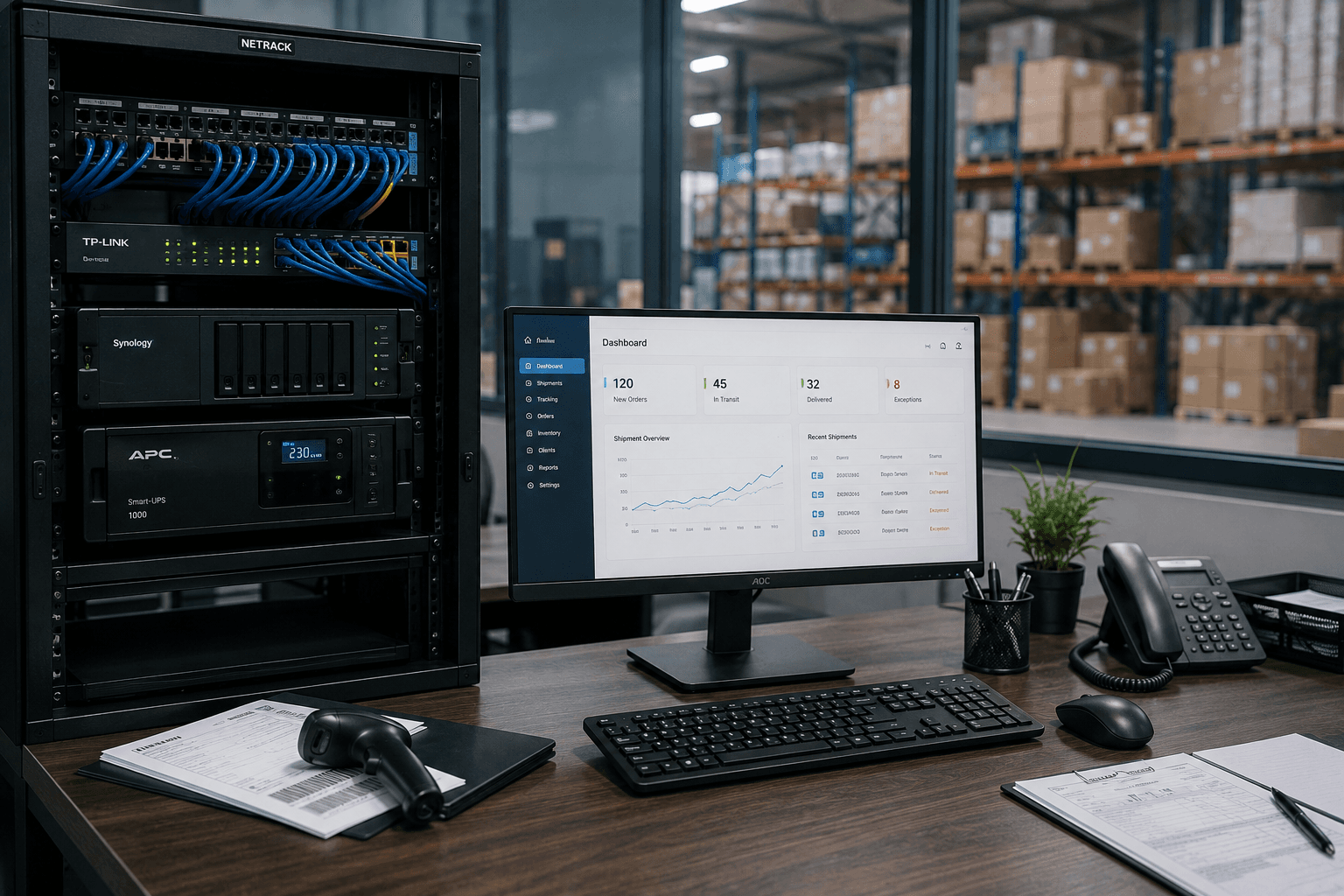
IT setup checklist for logistics companies in Kerala
Running a logistics or transport operation? Branch connectivity, dispatch systems, always-on networks, and integrations — the complete IT checklist for Kerala logistics firms.
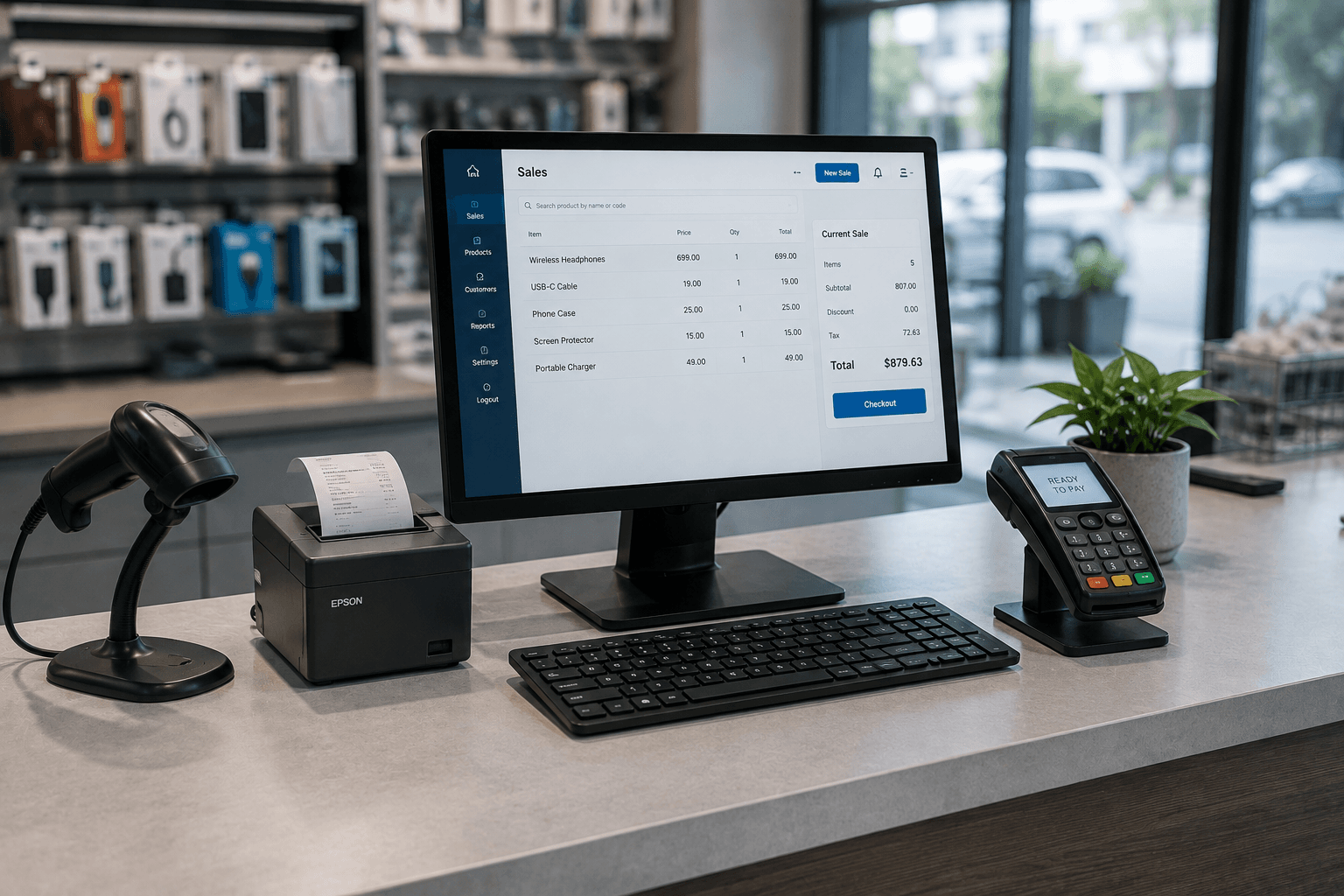
IT setup checklist for retail shops & restaurants in Kerala
Opening a shop or restaurant? POS and billing, reliable networks, CCTV, and multi-branch reporting — the complete IT checklist built for Kerala retail and food businesses.
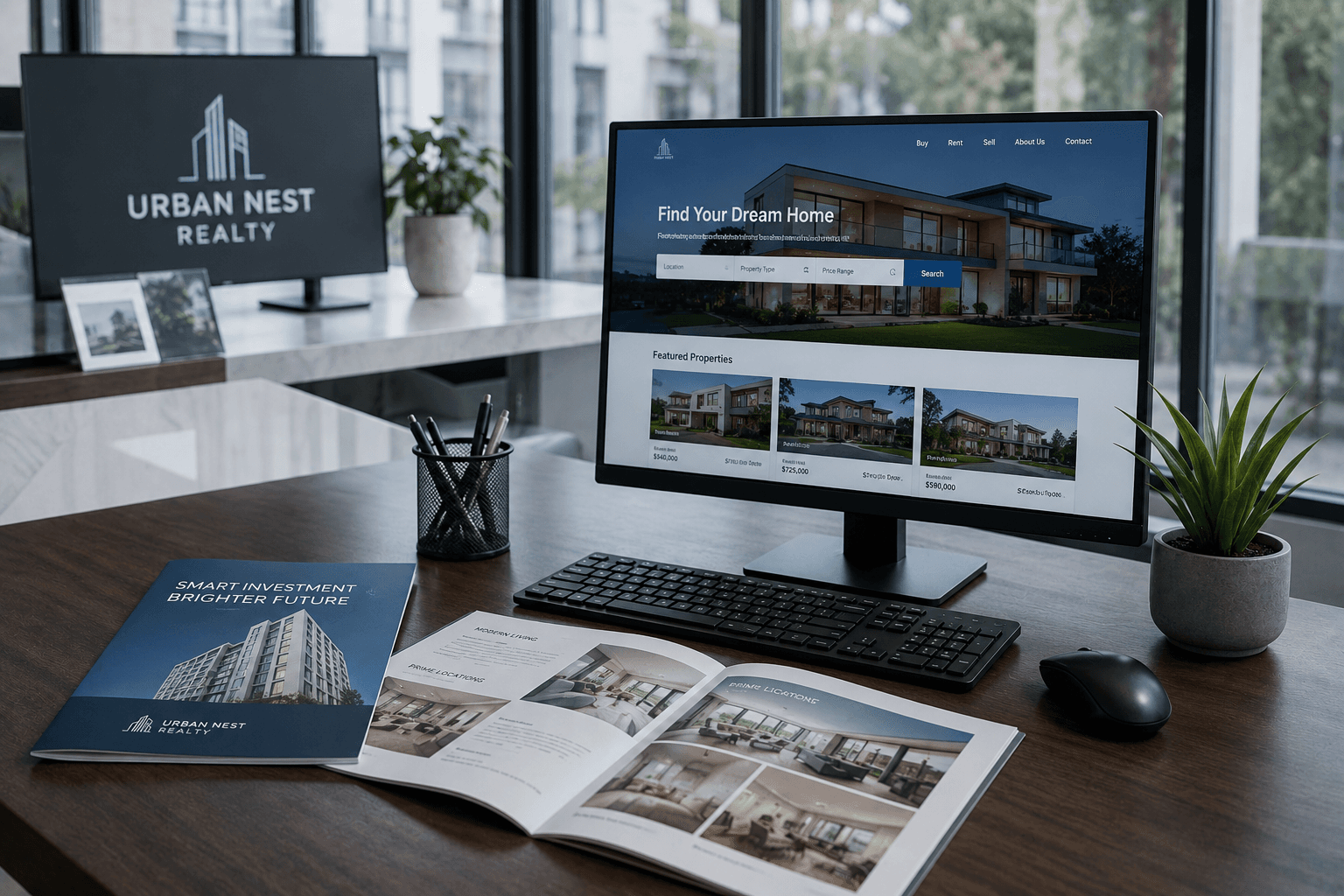
IT setup checklist for real estate offices in Kerala
Opening or scaling a real estate office? Branch hardware, a CRM that fits how you sell, WhatsApp lead capture, and multi-branch systems — the complete IT checklist for Kerala real estate firms.