
Repair & troubleshooting · 4 min read ·
What's actually recoverable when a laptop dies?
Dropped laptop, dead drive, deleted files, water damage — what data can realistically be recovered, what can't, and what to do (and not do) in the first hour to save your files.
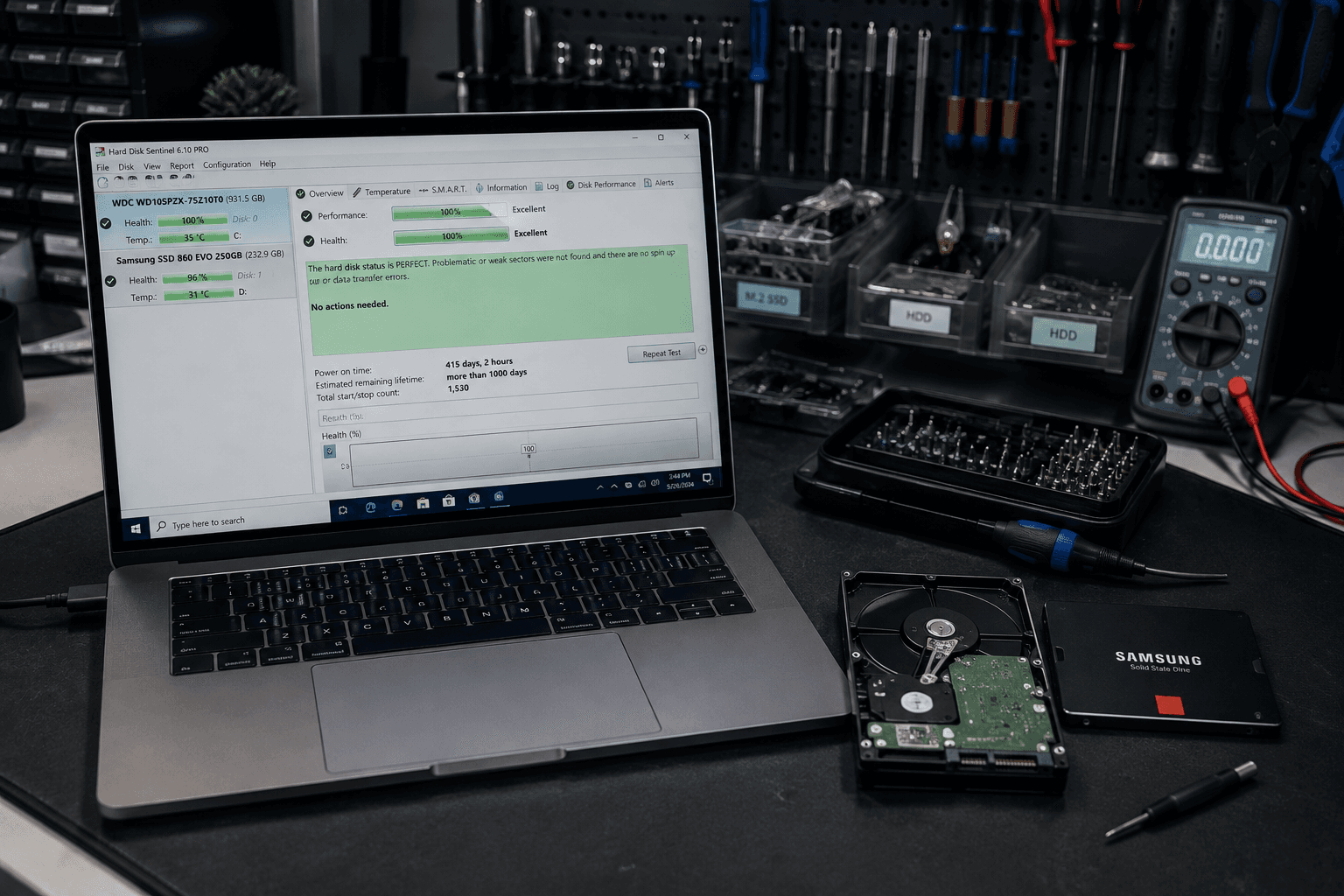
Few moments feel worse than a laptop that won't turn on with your only copy of something important on it — a thesis, a year of photos, the accounts. The good news is that "the laptop died" and "the data is gone" are two very different things, and far more often than people fear, the data is fine. Here's what's realistically recoverable, what isn't, and — crucially — what to do in the first hour to protect your chances.
First, the most important point: a dead laptop usually has living data
Most of what people call a "dead laptop" is a failure that has nothing to do with where the files live:
- A cracked or black screen
- A dead charging port or battery
- A motherboard or power fault
- A laptop that won't boot into Windows or macOS
In all of these, the drive holding your files is usually untouched. We can very often recover everything simply by removing the drive and reading it in another machine. So before you panic: a laptop that won't start is not the same as lost data. Our guide on why a laptop runs slow or won't behave covers the related "it's alive but struggling" cases.
What's usually recoverable
- Files on a working drive in a dead laptop — very high success, often complete.
- Deleted files — often recoverable if you stop using the drive quickly.
- A formatted or reset drive — frequently recoverable, again if you stop immediately.
- A drive with logical corruption — often repairable enough to extract the data.
What's harder — but not always hopeless
- A physically failed drive (clicking, not detected at all) — logical recovery may not work; this needs specialist clean-room equipment. Odds vary, and honesty matters here.
- Severe water or impact damage that reached the drive — depends entirely on whether the drive's internals survived.
- SSDs that have failed at the controller level — SSDs can be harder to recover than old spinning drives once the controller dies, because of how they store and encrypt data.
For these, we assess first and tell you plainly what the odds are before you spend anything, and we work with specialist labs for the genuinely hard cases.
What to do in the first hour (and what not to do)
The biggest factor in recovery success is often what you do — or avoid doing — right after the failure:
Do:
- Stop using the machine or drive the moment you realise data may be at risk. For deleted or formatted files especially, every minute of continued use risks overwriting them.
- Power it down if it's struggling — repeated boot attempts stress failing hardware.
- Bring it in as-is. The sooner it's assessed, the better the odds.
Don't:
- Don't keep rebooting a laptop that won't start — it doesn't help and can make things worse.
- Don't run random "recovery" tools you found online on a failing drive — they can overwrite the very data you're trying to save.
- Don't put a water-damaged laptop in rice and hope — get it looked at; time matters more than folk remedies.
The lesson everyone learns too late
Every data recovery job ends with the same thought: I should have had a backup. Recovery is a rescue, not a plan — sometimes it works, sometimes it doesn't, and it always costs more stress than prevention would have. Once your files are safe, set up automated backup so you never have to gamble on recovery again. Our guides on cloud backup for Kerala SMBs and Tally backup show how.
The bottom line
A dead laptop usually doesn't mean dead data — and the fastest way to lose recoverable files is to keep using the machine. Stop, power down, and get it assessed.
See our laptop repair and data recovery service, or WhatsApp us what happened and we'll tell you honestly what's likely recoverable.
Frequently asked
Common questions on this topic.
Keep reading
More from the ITSolute blog.

Why is my laptop so slow? 5 fixes before you buy a new one
Slow laptop doesn't always mean dead laptop. Five fixes that bring most old machines back to usable speed — often for less than ₹5,000.
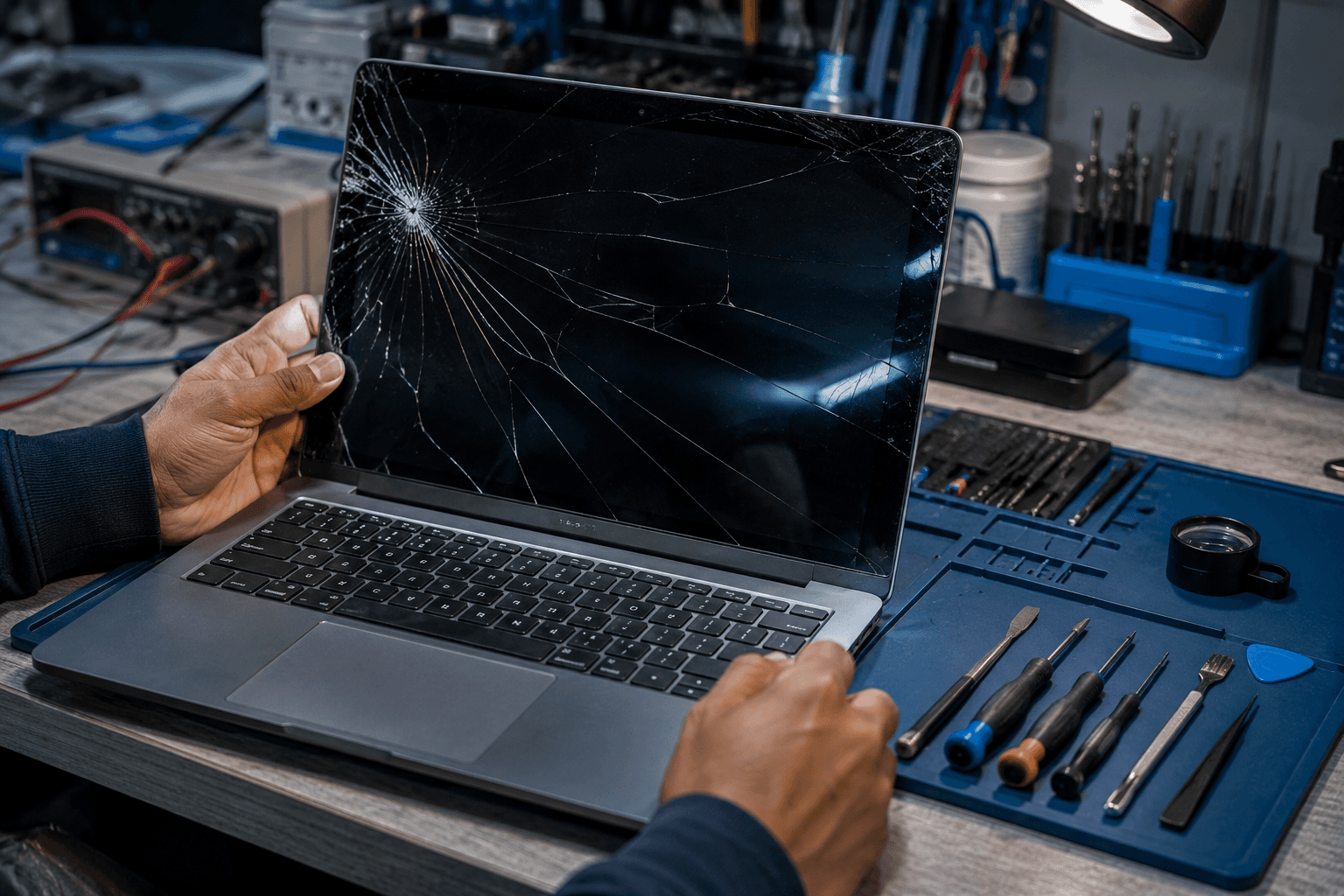
Laptop screen replacement cost in Kerala (2026 rates)
Cracked your laptop screen? Here's what replacement actually costs in Kerala — by laptop type, by parts source, and what to watch out for.

IT setup checklist for logistics companies in Kerala
Running a logistics or transport operation? Branch connectivity, dispatch systems, always-on networks, and integrations — the complete IT checklist for Kerala logistics firms.