
Office IT setup · 4 min read ·
Cybersecurity basics every small business should have
You don't need an enterprise security budget to be reasonably safe. The handful of cybersecurity basics that actually protect a small business — and stop the attacks that hit SMBs most.
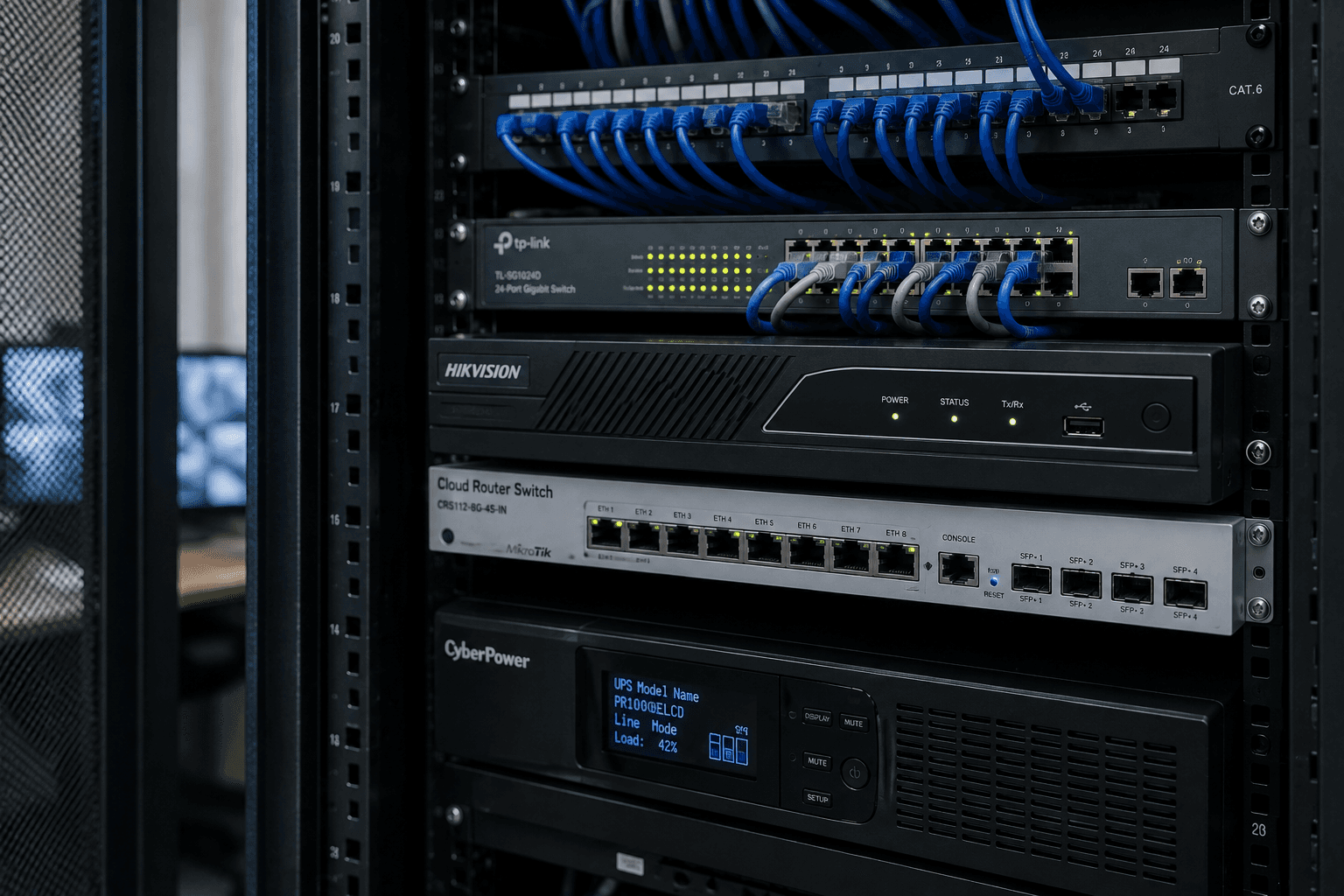
Cybersecurity sounds like something only big companies with big budgets need to worry about. In reality, small businesses are hit more often — precisely because they're usually less protected — and most attacks aren't sophisticated or targeted. They're automated, and they exploit the same handful of gaps everywhere: weak passwords, no backups, out-of-date systems. The good news is that closing those gaps doesn't take an enterprise budget. Here are the basics every small business should have.
1. Strong, unique passwords with two-factor authentication
The most common way businesses get breached isn't clever hacking — it's a reused or guessable password. Two fixes end most of this:
- A password manager so every account has a strong, unique password nobody has to remember.
- Two-factor authentication (2FA) on email, banking, and any critical account, so a stolen password alone isn't enough to get in.
2FA on your email especially is the highest-value hour you'll spend on security all year. Your email is the reset point for everything else.
2. Reliable, tested backups
If you do only one thing, do this. Almost every disaster — ransomware, a failed drive, a deleted database, a stolen laptop — is survivable if you have a recent, working backup. The rules:
- Automated, so it doesn't depend on someone remembering.
- Off-site or cloud, so a fire, theft, or ransomware can't take the backup with the original.
- Tested, because a backup you've never restored is a hope, not a plan.
We cover backup approaches in detail in our guide to cloud backup for Kerala SMBs.
3. Keep everything updated
Most malware exploits known holes that were patched months ago — it only works on machines nobody updated. Keeping Windows, macOS, browsers, and business software current closes those holes automatically. Turn on automatic updates, and don't run operating systems that are out of support.
4. A proper firewall and secure network
A business network needs a real firewall, not just the box your ISP dropped off. It should separate guest WiFi from your business systems, so a visitor's phone can never reach your shared files or accounting. This is a networking decision as much as a security one — see our networking page for how we set this up, and our network security checklist for the specifics.
5. Train your staff to spot phishing
Technology stops a lot, but the most common way in is still a person clicking a convincing fake email. A short, plain conversation with your team — how to spot a suspicious sender, why not to click unexpected links, what a real invoice looks like — prevents more incidents than most software. Your people are either your weakest link or your first line of defence, depending on whether anyone has told them what to watch for.
6. Control who can access what
Not everyone needs access to everything. Give each person only the access their role requires, and remove access promptly when someone leaves. It limits the damage any single compromised account can do.
Putting it together
None of these are expensive or exotic. The reason small businesses get hit isn't that the defences are hard — it's that nobody set them up and nobody's maintaining them. That's exactly the kind of ongoing responsibility an IT AMC takes on: keeping backups running, updates applied, the firewall configured, and access controlled, so security isn't a project you did once and forgot.
The businesses that get hurt are rarely the ones that were targeted by something clever. They're the ones that never did the basics.
Want a straight assessment of where your gaps are? WhatsApp us and we'll walk through the basics with you.
Frequently asked
Common questions on this topic.
Keep reading
More from the ITSolute blog.
Network security checklist for small offices
A practical, no-jargon checklist to secure a small office network — the settings, separations, and habits that keep your business systems safe without an enterprise budget.
What does structured cabling actually mean? (And why your office probably needs it)
Structured cabling isn't jargon — it's the difference between a network that ages well and a tangled mess of patches. Explained plainly.
Office WiFi keeps dropping: 7 causes (and how to fix each)
Office WiFi that disconnects, slows down, or has dead zones — here's a clear diagnosis of the seven actual causes and what fixes each one.