
Office IT setup · 6 min read ·
What does structured cabling actually mean? (And why your office probably needs it)
Structured cabling isn't jargon — it's the difference between a network that ages well and a tangled mess of patches. Explained plainly.
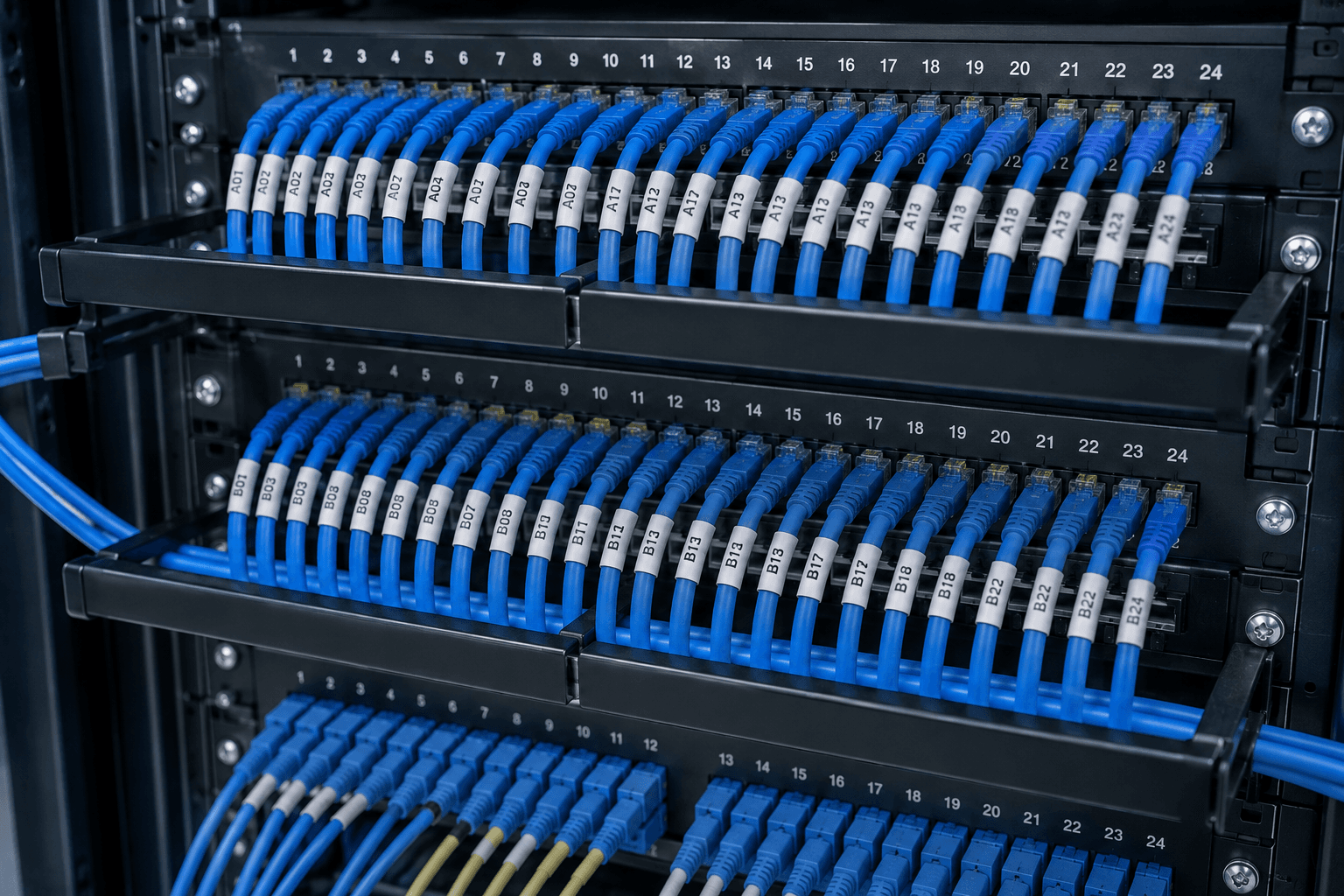
If you've ever tried to find which cable behind a desk goes where, you already understand why structured cabling exists.
It's not jargon. It's the difference between a network you can grow, maintain, and debug — and a tangled mess of patches nobody wants to touch.
The simple definition
Structured cabling is the practice of running every network cable back to a single central point — a patch panel — instead of from device to device.
Imagine your office's electrical wiring. Every plug socket has a wire that runs back to the main distribution board. The board is the single source of truth. If something stops working, you know where to look. If you want to add a new room, you extend from the board, not from a random socket.
Structured cabling does the same for your network. Every wall jack, every printer port, every CCTV camera connects back to one labelled patch panel where you manage everything in one place.
What an unstructured office looks like
Most small Kerala offices we visit look like this: a router on a shelf in reception, a cable running across the floor to the next room, another router or switch in that room, cables hanging out of the back taped to walls, a printer cable disappearing into a ceiling tile, nobody knows what half the cables do.
This works on day one. It does not work on day 365.
When you add a new desk, somebody runs a fresh cable through a gap in the wall. When WiFi gets weak in the back office, somebody puts a second router on a long cable. When CCTV gets installed, more cables go through the same ceiling space.
Six months later you've got a snake pit. When something stops working, the only way to troubleshoot is to physically trace every cable. Painful, slow, embarrassing.
What a structured office looks like
One small wall-mounted cabinet in a designated spot (corner of a back room or dedicated IT cupboard). A patch panel inside — a row of network jacks, each labelled with a room or desk number. A switch (and router) in the same cabinet. One cable per wall jack runs from the patch panel through ceiling conduits to its destination — labelled at both ends. Each desk has a wall-mounted RJ45 jack like a network plug socket. Short patch cords go from wall jacks to laptops, printers, IP phones, cameras.
To add a new desk, run one cable from the patch panel to the new location, terminate it in a wall jack, plug a patch cord into the laptop. Done. The cabinet stays neat. Walls stay clean.
To debug a problem, go to the cabinet, look at the labelled patch panel, see exactly where each connection lives.
To upgrade your switch or router, swap the box. Nothing else changes.
Cat5e vs Cat6 vs Cat6a
These are categories of network cable, each with different speed and frequency ratings.
| Cable type | Max speed | Max length | Cost in Kerala (per metre) | Verdict |
|---|---|---|---|---|
| Cat5e | 1 Gbps | 100 m | ₹12-18 | Outdated. Skip. |
| Cat6 | 10 Gbps (up to 55 m) | 100 m | ₹18-25 | Right default for 2026 |
| Cat6a | 10 Gbps (full 100 m) | 100 m | ₹35-50 | Worth it for long runs |
| Cat7 / Cat8 | Higher | Shorter | ₹80+ | Overkill for offices |
For 99% of Kerala office installations, Cat6 is the right choice. Price difference over Cat5e is trivial. Speed and longevity headroom is significant.
If you're running cables longer than 50 metres (multi-floor buildings, large facilities), upgrade to Cat6a for those specific runs.
What it actually costs
For Kerala installations in 2026:
| Project size | LAN points | Approximate cost | Includes |
|---|---|---|---|
| Small office | 6-10 | ₹15,000-25,000 | Cat6, conduit, jacks, patch panel, basic switch |
| Mid-size office | 15-25 | ₹35,000-65,000 | Plus managed switch, basic cabinet |
| Larger facility | 40+ | ₹85,000-2,00,000+ | Full server cabinet, managed network |
Per point: ₹1,500-2,500 depending on cable lengths, ceiling access, conduit needs.
This sounds like a lot until you compare to the alternative — paying someone for an hour every time the network has a problem, plus staff time lost to outages.
What to ask before signing a quote
Before committing to any installer:
- Will you label both ends of every cable? Mandatory. Unlabelled cabling is unfinished work.
- Will you terminate at a proper patch panel, not directly into the switch? Patch panels add ₹1,500-3,000 and save years of pain.
- What's the cable spec? Cat6 minimum, with manufacturer documentation.
- Will runs go through proper conduit, not stapled to walls? Visible cables look unprofessional and get damaged.
- Will you provide a documentation pack? Floor plan with cable runs, port-to-room mapping, patch panel diagram.
- What warranty? Reputable installers warranty cabling and termination for at least 1 year.
If they say "yes we do all that" but won't write it into the quote, walk away.
When DIY makes sense
For very small offices — two or three desks plus a printer — running a few patch cables yourself is fine.
The line: if you'd have more than 6-8 cable runs, more than one room with network needs, or any expectation of growth in 2 years, do it properly with structured cabling.
How we approach this
When we install structured cabling for a Kerala office:
- Site survey — visit, measure, identify cabinet locations, count points, plan routing
- Written quote — fixed price, line-itemed
- Installation — 1-3 days for a 10-15 point office, after-hours where possible
- Termination and testing — every cable individually tested
- Documentation handover — floor plan, patch panel diagram, port-room map
- Warranty — 1 year on cabling and termination
For offices that grow, we always plan 25-50% extra capacity beyond current need. Running an extra cable during initial install costs ₹100-200. Running it later when walls are finished costs 10x that.
Request a site survey for your office, or WhatsApp a photo of the space and we'll start the conversation.
Frequently asked
Common questions on this topic.
Keep reading
More from the ITSolute blog.
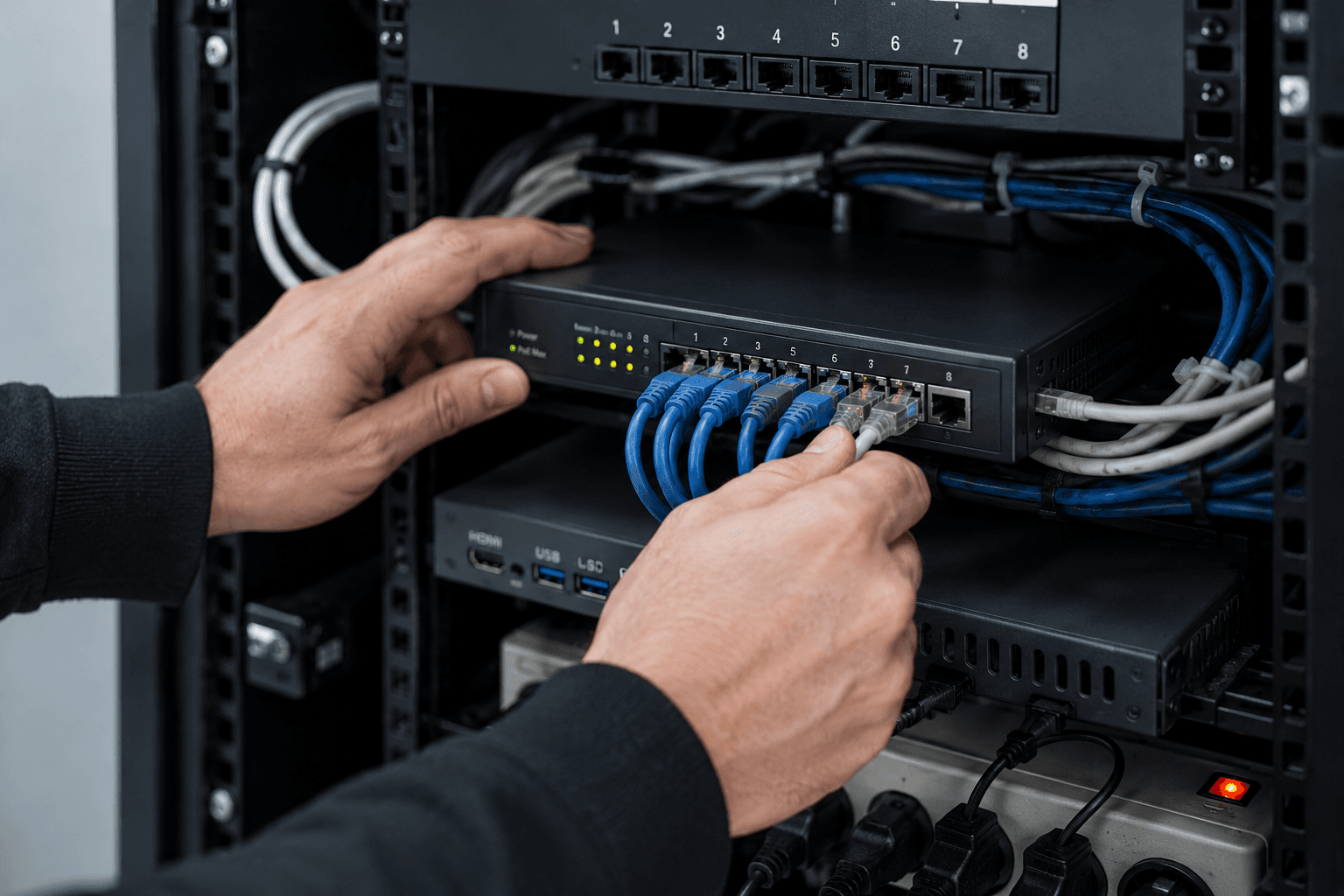
Network security checklist for small offices
A practical, no-jargon checklist to secure a small office network — the settings, separations, and habits that keep your business systems safe without an enterprise budget.
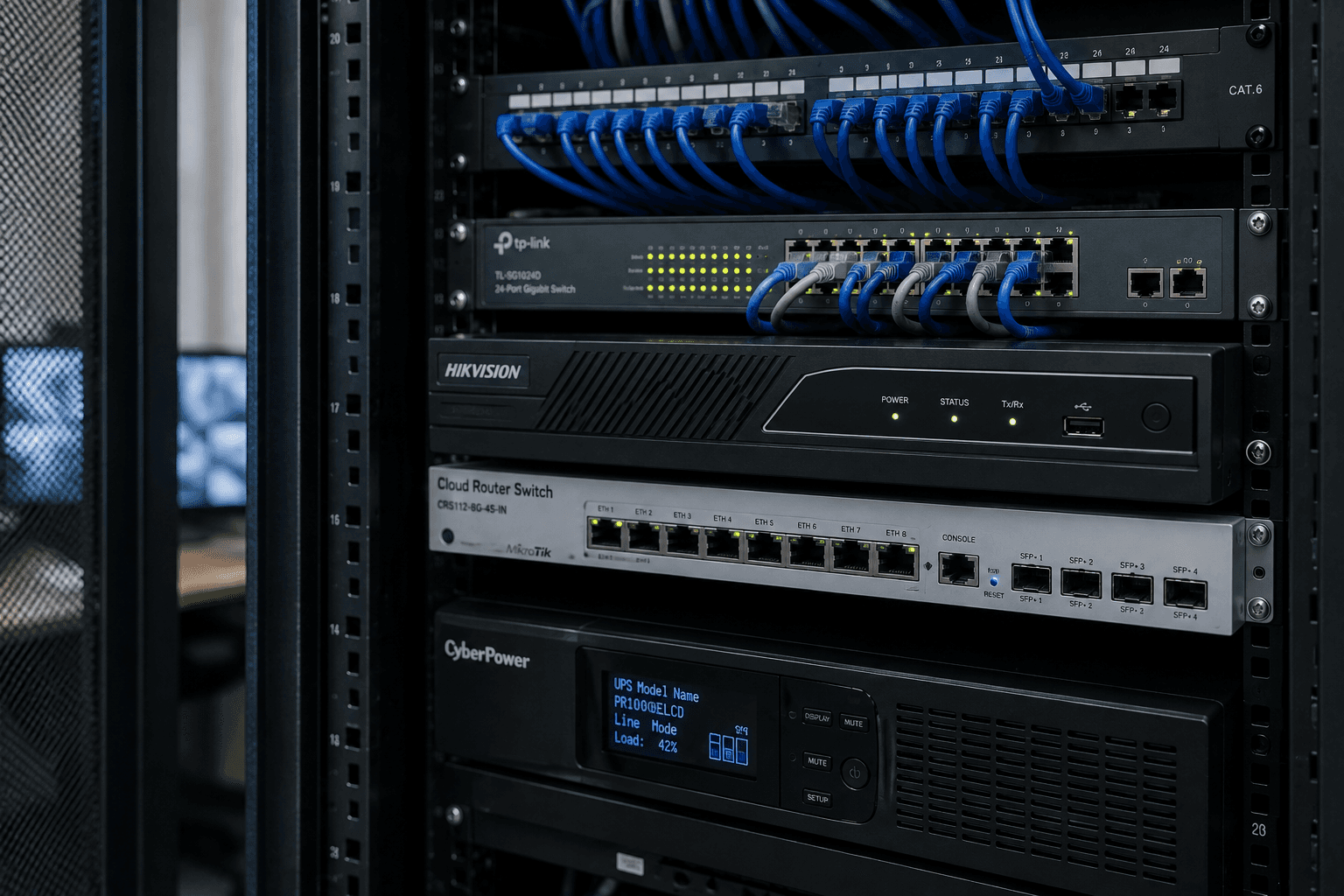
Cybersecurity basics every small business should have
You don't need an enterprise security budget to be reasonably safe. The handful of cybersecurity basics that actually protect a small business — and stop the attacks that hit SMBs most.
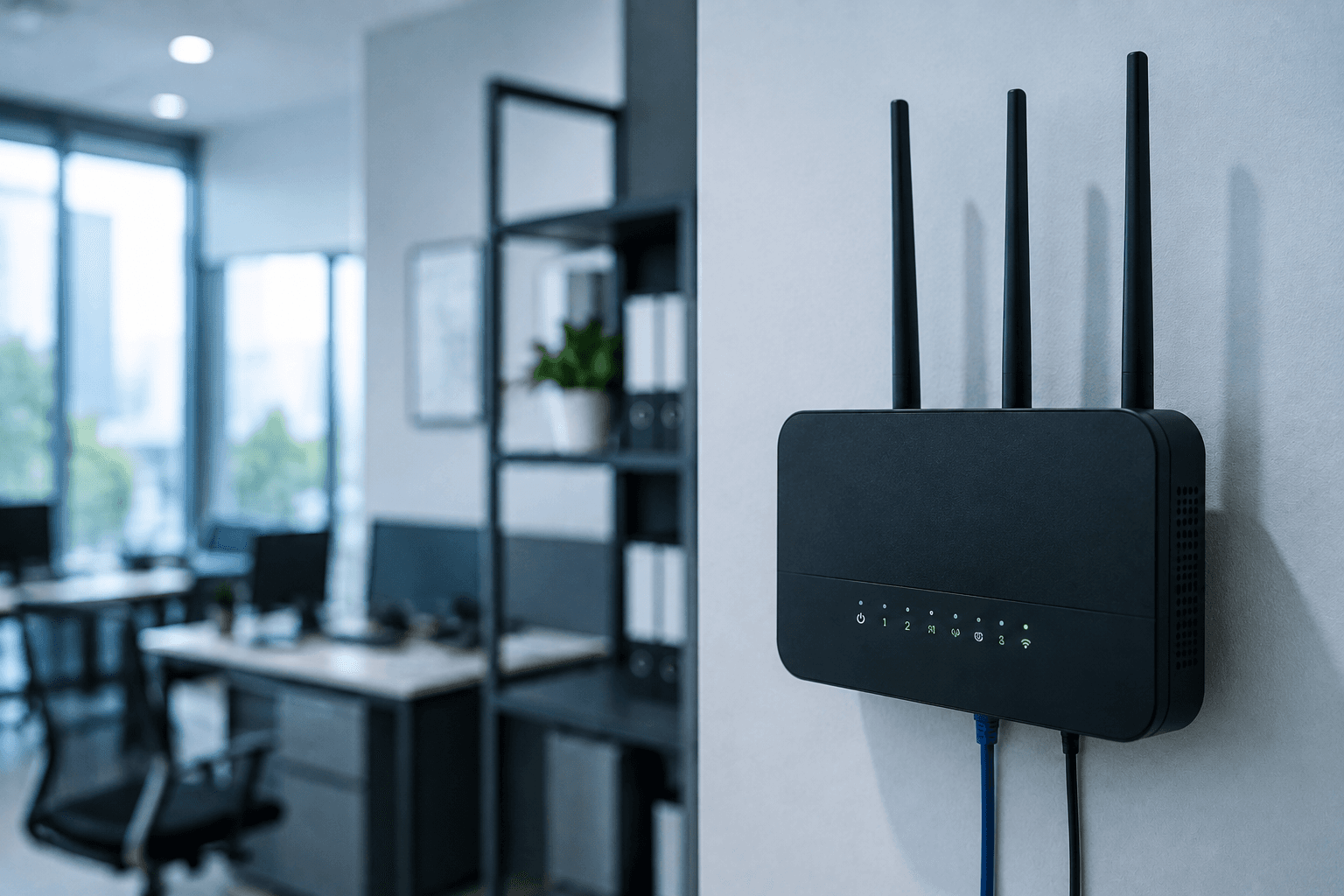
Office WiFi keeps dropping: 7 causes (and how to fix each)
Office WiFi that disconnects, slows down, or has dead zones — here's a clear diagnosis of the seven actual causes and what fixes each one.